







Knives Out Top-Up: Choose the Right Amount for Your Account
Before purchasing Gold Tickets in Knives Out, make sure you select the correct top-up amount and identify the server linked to your account. TRADEE's top-up service uses your UID and server information to identify the account. No game login password is required, so you can place your order using your account details.
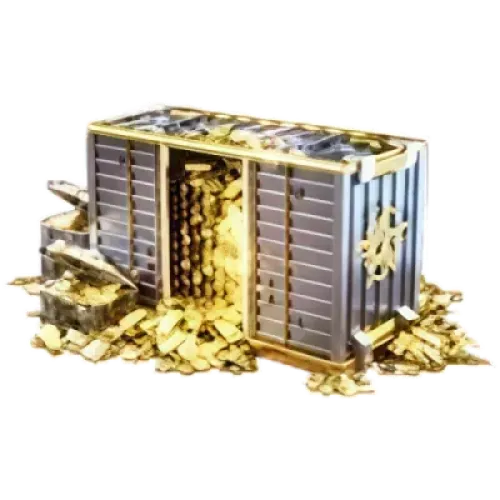
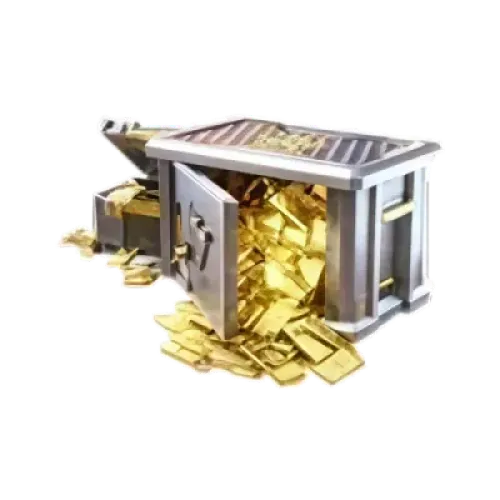
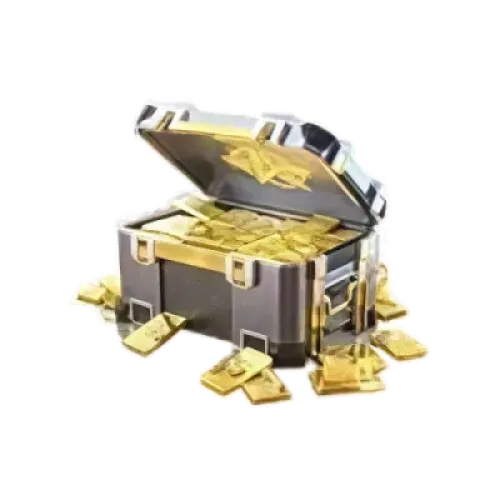
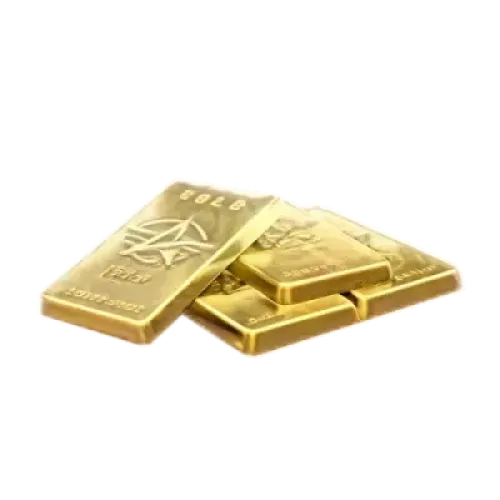
Gold Tickets are the game's paid currency and can be used for supported shop items and other in-game purchases. If you have a specific outfit, weapon skin, or other item in mind, check its in-game price before choosing a top-up amount. TRADEE also offers top-up services for other shooter games, including PUBG MOBILE, Free Fire, Blood Strike, and Arena Breakout. Choose the currency you need for the games you play. Product specifications, prices, and applicable offers are subject to the information currently displayed on the TRADEE product page.
Which Knives Out Servers Are Supported?
This product currently supports the following six server options. Select the server used by your game account and enter the corresponding UID when placing your order.
- KNIVES OUT (Global)
- Battle Royale (NA)
- 荒野行動 (JP)
- PC - Asia
- PC - America
- PC - Japan
These are the server options listed for this product. Always check the server assigned to your actual game account rather than relying only on the game title or your country or region. Before submitting your order, verify both your UID and server to avoid delays caused by incorrect information.
Compare Top-Up Amounts, Prices, and Payment Methods Before Ordering
Compare the available Gold Ticket packages before choosing an amount that fits your budget. Product prices and applicable offers may change, so refer to the information currently shown on the TRADEE product page and checkout page.
- Different denominations for different needs
Whether you only need a small currency top-up or are setting aside a larger budget for an in-game purchase, compare the available packages and choose the amount that suits your plans.
- Payment methods shown at checkout
Check the payment options currently available at checkout, which may include PayPal and Visa. The actual options are subject to the checkout page. Confirm the selected package and total amount before paying.
- UID top-up without your game password
This service identifies the target account using its UID and server information. You do not need to provide your game login password. Enter the required details shown on the product page and check them carefully before submitting your order.
- Order updates and customer support
TRADEE processes orders through its website checkout, allowing you to review the product and order total before payment. If you have questions about payment or order progress, contact the 24/7 customer support team. Processing times may vary depending on payment verification, order volume, and platform conditions.
How to Buy and Top Up Knives Out Gold Tickets
- Choose a top-up amount
Visit the TRADEE product page, review the available Gold Ticket packages, and select an amount based on your budget and in-game purchase plans.
- Select the correct server
Choose the server that matches your account from KNIVES OUT (Global), Battle Royale (NA), 荒野行動 (JP), PC - Asia, PC - America, and PC - Japan.
- Enter your UID and review the order
Enter the UID of the account that should receive the Gold Tickets. Check that the UID, server, package, and order total are all correct.
- Complete payment and check your balance
Pay using one of the methods available at checkout. Once the order has been processed, log in to the game account matching the submitted UID and server, then check whether your Gold Ticket balance has been updated.
Knives Out Top-Up FAQ
What account details are required to buy Gold Tickets?
You need to provide the target account's UID and server. Your game login password is not required. Make sure both details belong to the same account to avoid top-up issues caused by incorrect information.
Can Gold Tickets be shared between different servers?
We cannot currently confirm whether Gold Tickets can be shared or transferred between different servers, so you should not assume that the servers are interconnected. Select the server actually used by your target account and follow the in-game rules for that server.
How long does it take for Gold Tickets to arrive after payment?
Processing time may vary depending on payment verification, order volume, and platform conditions. A fixed number of minutes should not be treated as a guaranteed delivery time for every order. If your order takes longer than expected, check its status and contact TRADEE customer support for assistance.
