




Arena Breakout Bonds Top-Up and Selected Bundles
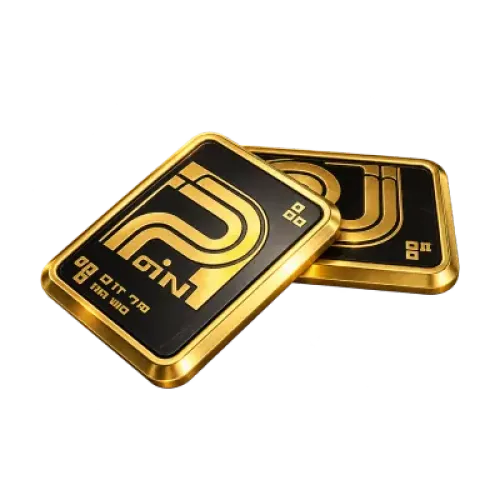
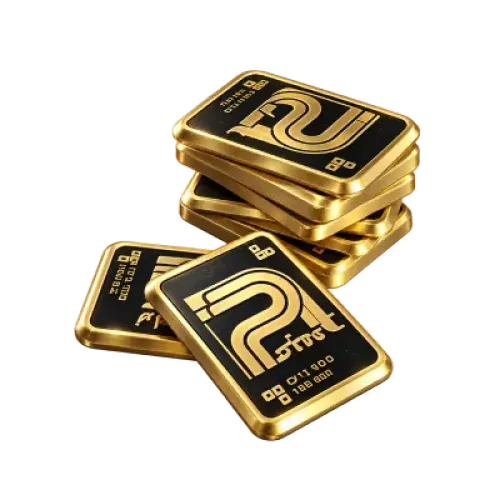
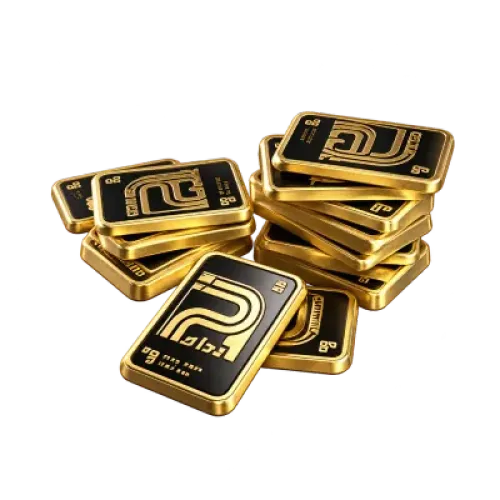
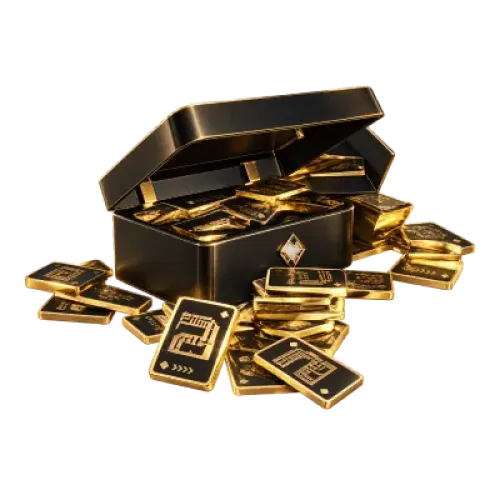
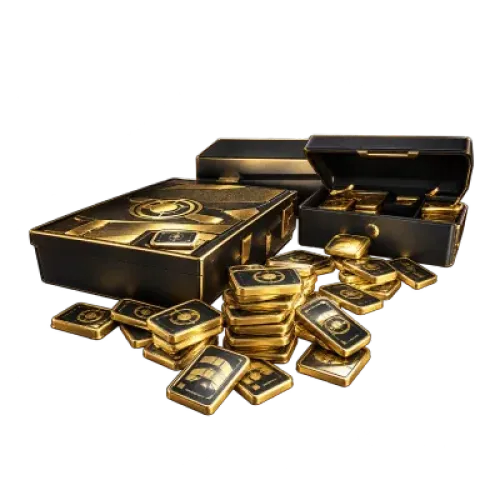
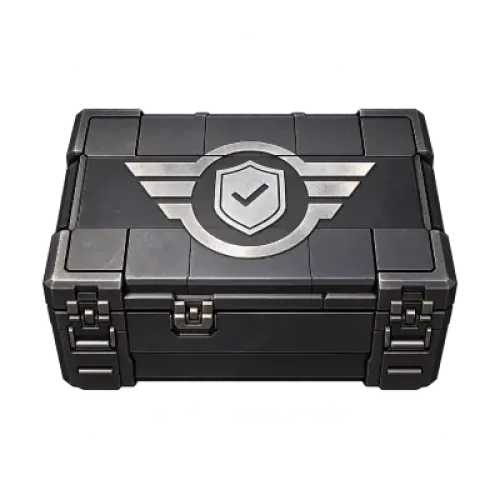
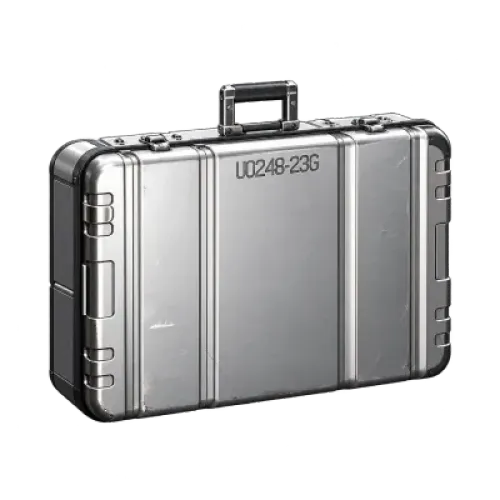
Looking to add more Bonds or purchase a specific crate or bundle from the catalog? These are two different purchase options. The Arena Breakout mobile catalog includes Bonds top-ups as well as selected crates and other bundles. TRADEE offers a range of products to help you choose according to your current in-game needs. Before placing an order, decide what you want to purchase, then check the product details, Player ID (UID), and checkout total to keep the process straightforward.
Choose What You Need Before Selecting a Product
Start by deciding what you want to buy, then compare the available product options. Bonds top-ups and selected crates or bundles are separate products, so check the listed contents instead of choosing based only on the product name or price.
Find Your Player ID Before Placing an Order
Your Player ID (UID) is an important account identifier for this Arena Breakout mobile top-up service. Before ordering, find your UID on your in-game profile page and provide the required details shown on the product page. Copying the ID directly from the game can help prevent typing errors.
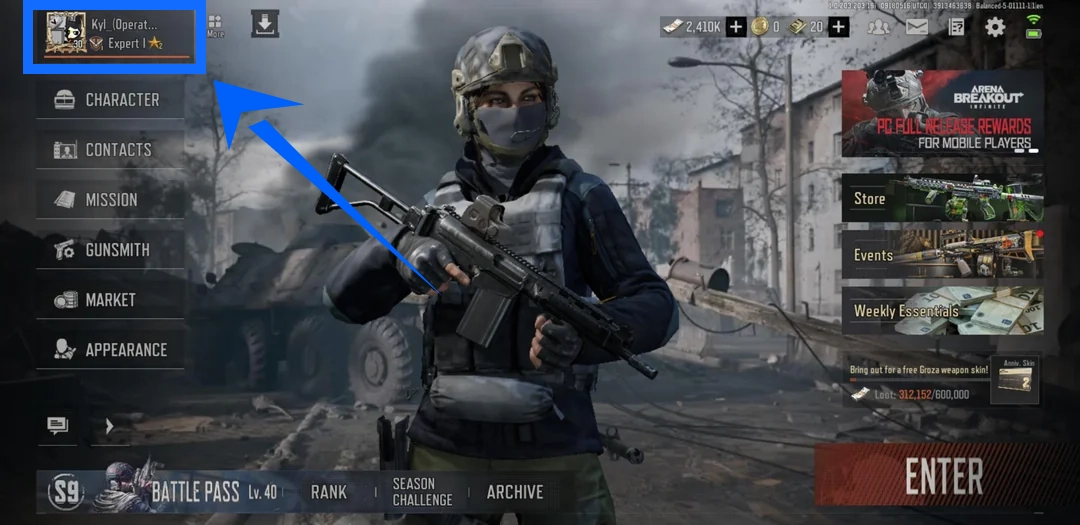
- Open Arena Breakout on your mobile device
Launch the game on your Android or iOS device and enter the account that should receive the product.
- Tap your profile avatar in the top-left corner
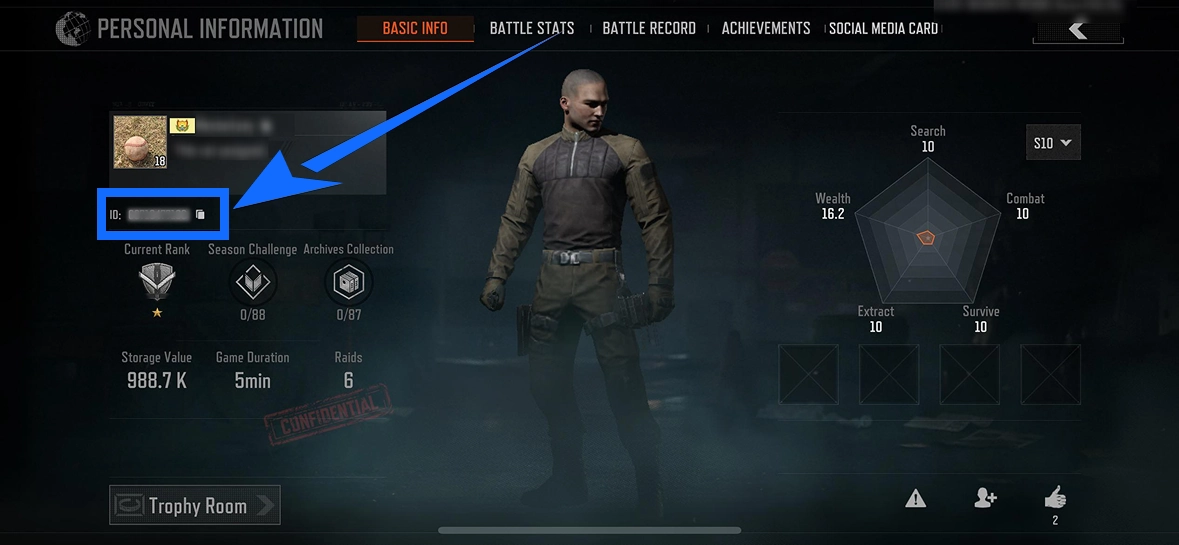
Open the Basic Info section of your profile.
- Find the field labeled ID
Look for the ID field near your player name or avatar. This is the Player ID (UID) required for your order. Make sure you copy the in-game ID, not your player name.
Platform and server: This product page is for the Arena Breakout mobile Global Server and supports Android and iOS.
Product Details and Delivery Information
| Supported Platforms | Mobile (Android/iOS) |
|---|---|
| Supported Server | Global Server |
| Account Information | Player ID (UID). Please provide any other required details according to the fields shown on the selected product page. |
| Typical Processing Time | Orders are usually processed within a few minutes, and many are completed in around 10 minutes. Actual processing times may vary depending on payment checks, order volume, and other circumstances. |
Before making payment, double-check your UID, product specifications, and order details. Orders are processed using the information you submit. Incorrect account details may prevent the product from reaching the right account or cause delays.
Compare Prices and Choose a Convenient Payment Method
When purchasing in-game currency, consider how much you need and the current listed price rather than simply choosing the largest denomination. TRADEE offers different product options, so you can select the Bonds amount or specific bundle available in the catalog. If a promotion applies, compare the price displayed on the product page before checkout.
After selecting a product, review the payment methods available at checkout, such as PayPal or Visa when offered on the page. Before completing payment, confirm the product, UID, and total amount to avoid order issues caused by selecting the wrong option or entering incorrect account details.
If you have questions about payment, submitted information, or order progress, TRADEE provides 24/7 customer support for order-related assistance. Most orders are processed within a few minutes, and around 10 minutes is a common completion time rather than a guaranteed delivery deadline.
From Product Selection to Delivery: Follow These Steps
- Select the product you want
Visit the Arena Breakout mobile product page on TRADEE and choose your preferred Bonds amount or a selected crate or bundle available in the catalog.
- Enter your order details
Provide the UID shown in your in-game Basic Info page, along with any other required information listed for the selected product.
- Review your order and pay
Check the product specifications, price, account details, and checkout total. Then choose an available payment method and complete the transaction.
- Check the delivery in-game
Once the order has been processed, log in to the relevant Arena Breakout mobile account and check whether the purchased Bonds or selected product has arrived correctly.
Frequently Asked Questions
Can I use this product for Arena Breakout: Infinite on PC?
No. This product page is for the Arena Breakout mobile Global Server on Android and iOS. Arena Breakout: Infinite is a separate PC game, so make sure you select a product that matches your game version.
Do I need to buy Bonds first if I only want a specific crate?
Not necessarily. The catalog may include Bonds top-ups as well as selected crates and other bundles. If you want a particular item, check whether it is listed as a separate product and place your order using its displayed name and specifications. Bonds top-ups and selected products are not interchangeable.
What should I do if I entered the wrong UID after payment?
Contact TRADEE customer support as soon as possible and provide your order number and correct Player ID so the team can check the order status. Whether the details can be corrected depends on how far the order has progressed, so report the issue promptly.
Why hasn't the product appeared immediately after payment?
Payment completion does not necessarily mean the in-game product has already been credited. Your order may still be processing, and payment checks or other order conditions can affect the processing time. Check your order and submitted details first. If the product still has not arrived after waiting, contact TRADEE customer support for an update.
