






Buy State of Survival Diamonds, Bundles and Passes
Need more resources for hero upgrades, shelter development or limited-time events? TRADEE offers Diamonds, in-game bundles and passes for the global mobile version of State of Survival: Zombie War. Orders are processed through manual account login, with a specialist logging into the game to complete the purchase. For more post-apocalyptic strategy games focused on shelter management and resource planning, explore Whiteout Survival, or build up your forces in Last War: Survival Game. Both games also have top-up services available on TRADEE.
Which Should You Choose: Diamonds, Bundles or Passes?
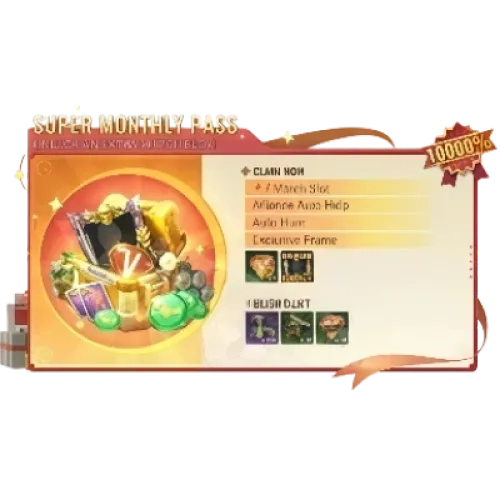
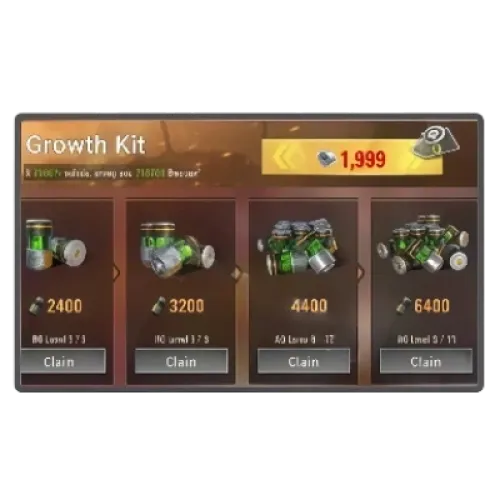
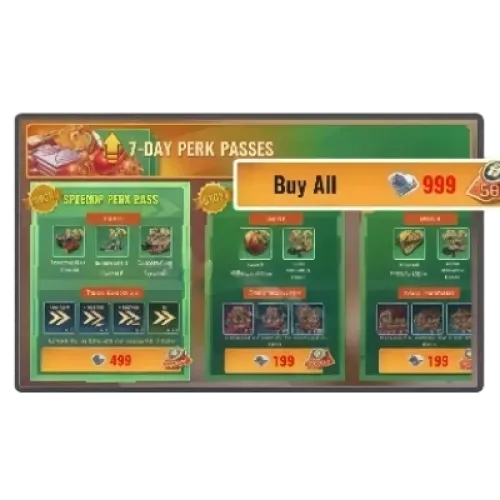
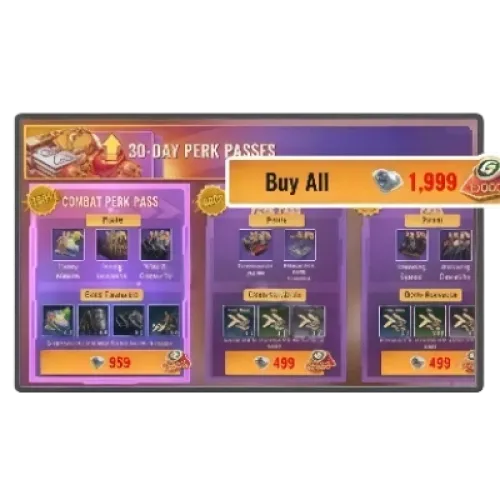
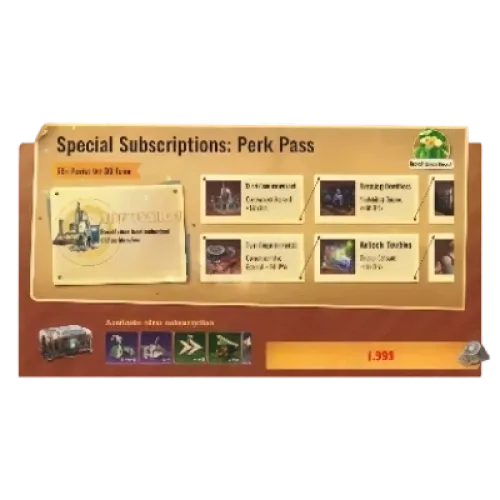
Diamonds are suitable for players who need premium currency, while bundles contain specific items and resources. Passes provide benefits according to the terms of each product. Compare the available contents and prices based on your needs, and refer to the discounts displayed on the product page. For another take on collecting supplies and strengthening your survival setup in a post-apocalyptic world, check out the top-up options for Dark War: Survival. Last Z: Survival Shooter offers a different experience that combines survivor progression with zombie combat.
TRADEE supports payment methods such as PayPal and Visa, along with 24/7 customer support. Manual login top-ups usually take around 30 minutes, though the actual processing time may vary depending on account verification and order status.
What Information Is Required for a Manual Login Top-Up?
- Supported version: State of Survival global mobile version, available on iOS and Android.
- Login methods: FunPlus ID, Google or Facebook. FunPlus ID is recommended.
- Account details: Provide your game account, password or verification code as requested by the order.
- Player UID: Provide the UID of the character that should receive the purchase.
How to Find Your UID
Enter the game and tap your avatar in the upper-left corner of the main screen. Your UID is displayed on your profile page. Make sure it matches the character you want to receive the items before placing your order.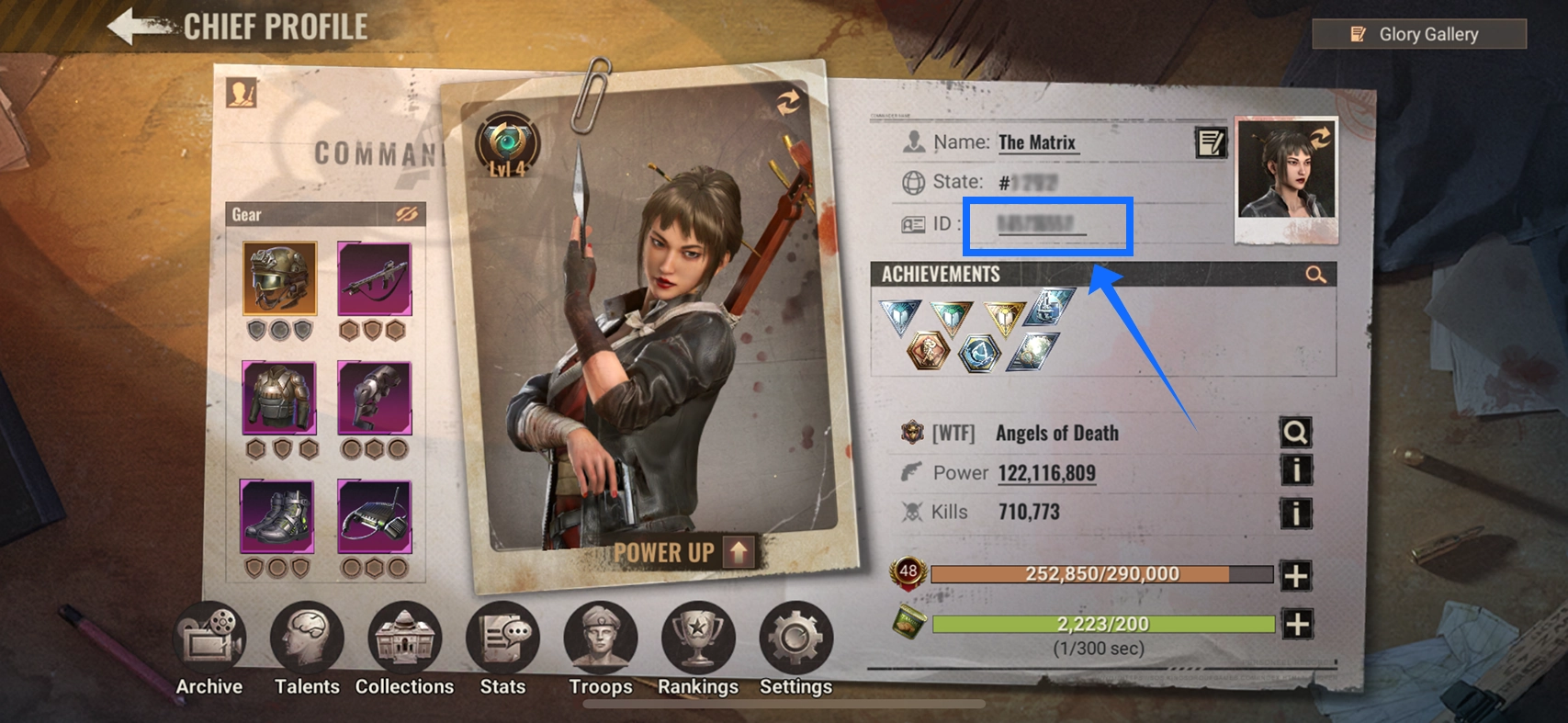
Note: Submit your login details through the TRADEE order process or a channel designated by customer support. Do not log in to the same game account while the order is being processed, as this may interrupt the operation.
How to Top Up Diamonds and Bundles in State of Survival
- Choose a product: Select Diamonds, a bundle or a pass, then review the contents and price before completing payment.
- Submit your details: Provide the login information and UID requested by the order, and complete any required verification.
- Wait for processing: A specialist will log in to the game and purchase the selected product. Do not log in to the same account during this time.
- Confirm delivery: Check your order status, then log in to the game to verify your Diamond balance, bundle contents or pass benefits.
Processing usually takes around 30 minutes, but the actual time may vary. If the product does not arrive correctly, contact customer support with your order number.
State of Survival Top-Up FAQ
What Should I Do if My Order Takes Longer Than 30 Minutes?
Check the order status in your TRADEE purchase history first. If the order is still incomplete, contact 24/7 customer support with your order number to check its progress.
Can I Change the UID or Product if I Entered the Wrong Information?
Contact customer support immediately and provide your order number and the correct details. Whether a change is possible depends on the order status. Changes may no longer be available once the purchase has been completed.
What Is the Difference Between Diamonds and Biocaps?
Diamonds are premium currency used for eligible paid products and services. Biocaps are a separate in-game resource used for construction, research and certain game features. They serve different purposes and should not be treated as the same currency.
