


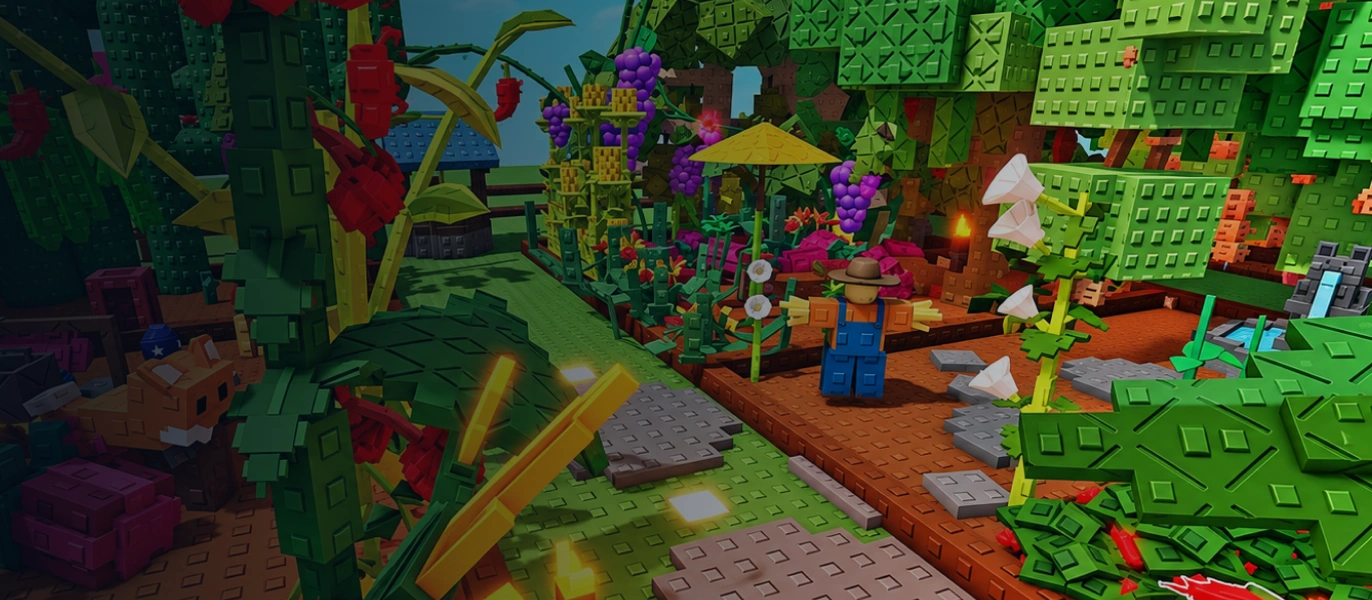




Grow a Garden Sheckles: Keep Your Garden Growing with Enough Funds
In Grow a Garden, Sheckles are an important resource for covering your garden's everyday expenses. You'll need this in-game currency to buy seeds, get tools, and set aside funds for your next growing cycle. If you don't want to build up your balance only by selling harvests, you can choose an amount of Sheckles that matches your current needs.
TRADEE offers Grow a Garden Sheckles for Main Server, with amounts ranging from 200 SX to 100,000 SX. Whether you want to top up your garden funds or prepare a larger amount of in-game currency at once, compare the available quantities and current prices before choosing the option that suits you.
How Can You Use Sheckles? Plan Around Your Garden
Sheckles are one of the main currencies in Grow a Garden. Shops and gardening activities affect how you spend them, so it's worth planning around your current progress instead of focusing only on how much currency you hold.
- Planting and expansion: Set aside funds for seeds and garden development to make it easier to plan your next planting cycle.
- Tools and shop purchases: Set a budget for tools and other useful items based on what's currently available in the shops.
- Long-term garden planning: Estimate your upcoming in-game expenses before choosing an amount, so your budget stays aligned with your goals.
Keep in mind that Sheckles are not the same as Robux. They also cannot necessarily be used to buy every event currency or limited-time item. What you can purchase depends on the in-game shops, event rules, and currently available stock.
Choose Your Amount and Keep the Order Process Clear
Getting the right amount is only one part of buying in-game currency. Your recipient account details and the delivery arrangement matter too. TRADEE lists each Sheckles amount separately, making it easier to compare prices, select a quantity, and check the order total before payment instead of guessing what a product includes from its name.
Payment options available at checkout include PayPal wallet payments and supported credit card methods, such as Visa. If you need help choosing an amount, entering recipient details, or arranging delivery, you can contact 24/7 customer support to help resolve order questions and reduce issues caused by incorrect or unclear information.
TRADEE focuses on clear product details and order handling. For a large Sheckles order, check the selected amount, recipient account, and total payable again before payment. Once delivery is complete, verify the amount credited in the game.
Before purchasing: TRADEE is not affiliated with Roblox or Grow a Garden. Review the applicable Roblox Terms of Use and Community Standards before making a purchase, and assess the related risks yourself.
From Order to Delivery: What Information Do You Need?
-
Select Main Server and Your Sheckles Amount
Visit the Grow a Garden Sheckles product page, select Main Server, and choose the amount you need from the available options between 200 SX and 100,000 SX. Check the product amount, current price, and final order total before proceeding to checkout.
-
Enter Recipient Details and Complete Payment
Provide the required order information on the checkout page and prepare the Roblox username that identifies the recipient correctly. Double-check the username before paying to avoid delivery issues caused by incorrect details.
A standard in-game trade should not require your account password or login verification code. Do not submit these sensitive details as ordinary recipient information.
-
Follow the In-Game Trade and Check the Amount
After payment, follow the order instructions to coordinate the in-game delivery. Grow a Garden's player trading feature can be used to transfer Sheckles; the actual process must follow the current trading mechanics and account eligibility requirements. Check the amount shown in the trade interface, then review your in-game Sheckles balance after the trade to confirm that the amount received matches your order.
Grow a Garden Sheckles: Frequently Asked Questions
Are Sheckles and Robux the Same Currency?
No. Sheckles are the in-game currency used in Grow a Garden, while Robux is the virtual currency for the Roblox platform. They have different uses and ways of obtaining them. This product page offers Sheckles, not a Robux top-up.
Can You Use Purchased Sheckles to Buy Pets?
Some in-game pets may be obtained through shops or other game mechanics, but not every pet can be purchased directly with Sheckles. Check the current in-game shops and acquisition methods for available pets and their requirements.
Why Should You Check Your Roblox Username Before Payment?
Your username is important for identifying the recipient account. If you enter the wrong one, the delivery team may not be able to find the correct account. Use the Roblox username you actually use rather than relying only on a display name, which may be shared or changed.
What If In-Game Trading Is Unavailable?
Delivery may be affected if your account is not yet eligible to trade, trading is restricted, or the game service is temporarily unavailable. Before ordering, make sure your account can use the in-game trading feature. If a trading issue occurs during delivery, keep your order number and contact TRADEE customer support for assistance.
