









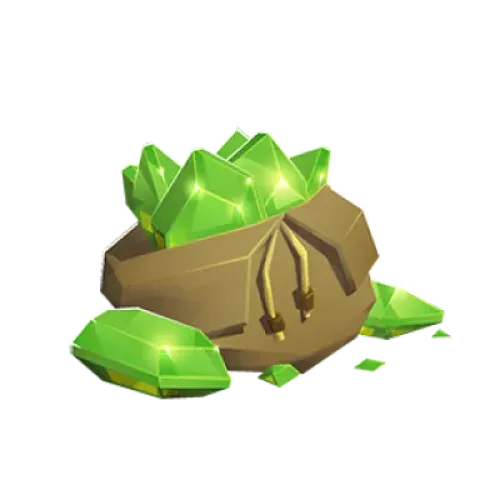
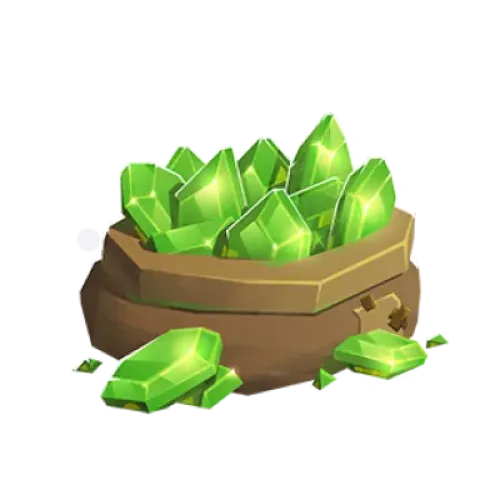
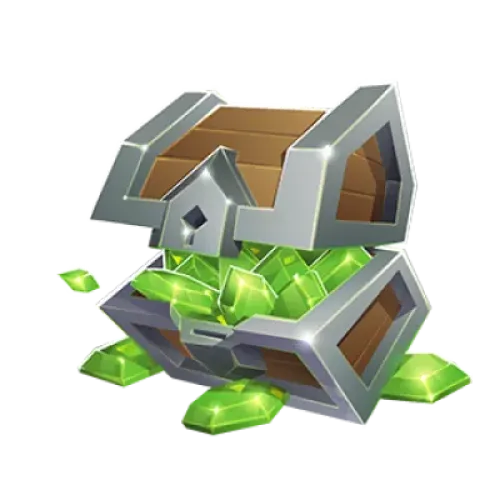
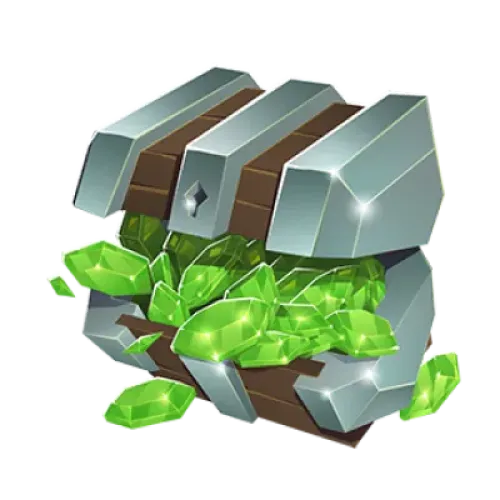
Clash of Clans Gems and Gold Pass Top-Up for Your Village Progression
Are your builders still busy, does your laboratory research have days left, or do you want to finish an important upgrade before the next Clan War? Gems in Clash of Clans can shorten certain timers, unlock additional Builder's Huts, and purchase eligible in-game items, giving you more flexibility as you develop your village. Players who enjoy base building and resource management can also explore Whiteout Survival top-ups for a different kind of survival base-building experience.
TRADEE offers Clash of Clans Gems, Gold Pass, and selected in-game bundles through a manual top-up service that requires account login. This service is available only for international-server accounts linked to a Supercell ID. After placing an order, provide the account details, password, player name, and login verification code as requested so our staff can purchase the selected item. Do not log in to the game while the top-up is being processed, as this may affect the process. Players who prefer building strength through resource collection and base upgrades can also browse Last War: Survival Game top-up products for additional resources to support their progress.
How to Choose Between Gems, Gold Pass, and Bundles
Each product supports village progression in a different way. Before ordering, consider whether you need to reduce upgrade timers, unlock seasonal rewards, or replenish specific resources, then compare the available items and prices.
What Account Details Are Needed for a Clash of Clans Top-Up?
This product is for the mobile version of Clash of Clans on the international server and supports only accounts linked to a Supercell ID. Since our staff must log in to the account to complete the purchase, you need to provide the required login details and player information as requested.
- Supported platform: Mobile (iOS / Android)
- Supported server: International server
- Top-up method: Manual top-up via Supercell ID account login
- Required information: Account details, player name, and login verification code
- Login details: Provide the account and password, along with any information needed to complete login verification, as requested in the order.
- During processing: Do not log in to the same game account, as this may interrupt the manual top-up.
- First-purchase rewards: If your account is eligible for an in-game first-purchase promotion, you may receive the corresponding rewards under the game's rules. Check the in-game display for the actual rewards.
Before submitting your order, make sure your Supercell ID is linked to the correct village and that all required information is accurate. Incorrect account details, missing verification information, or login failures may delay the top-up. This product does not support top-ups directly through an Apple account.
How to Link and Check Your Supercell ID
If your village is not yet linked to a Supercell ID, complete the linking process in the game first. If you already have a Supercell ID, sign in with that existing account. Do not create another account just for the top-up, as it could be linked to the wrong village.
- Open the game settings: Launch Clash of Clans, tap the settings icon in the bottom-right corner, and find the Supercell ID section to check your current linking status.
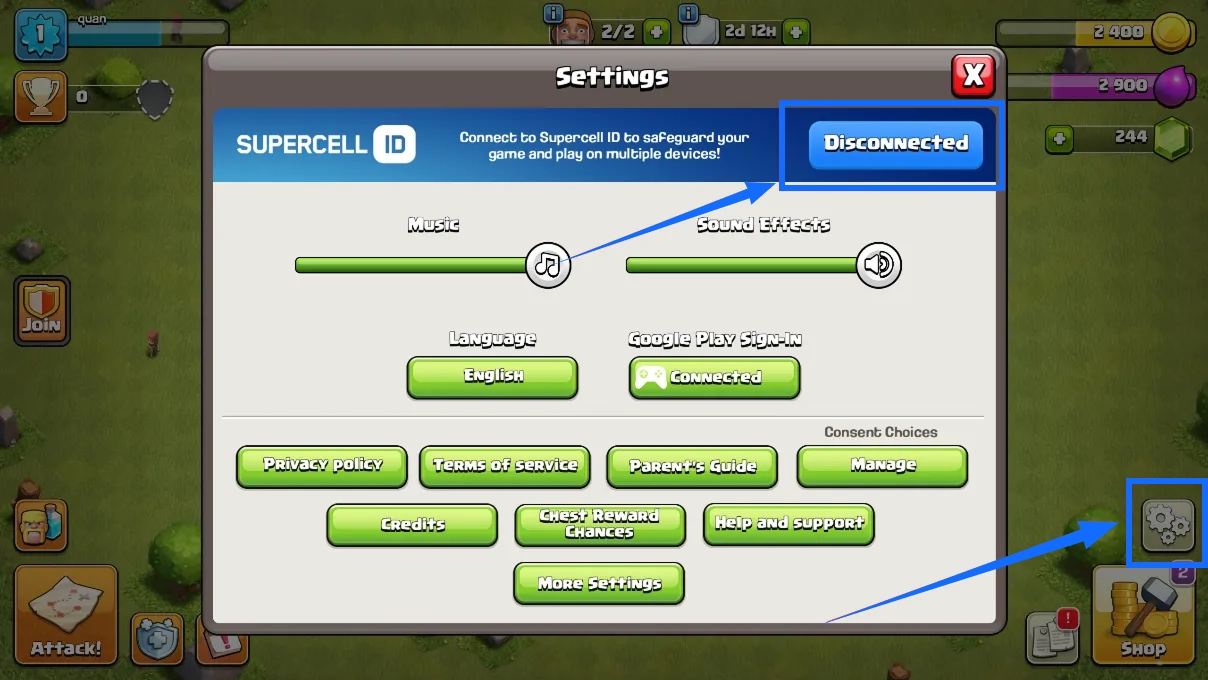
- Choose registration or login: If you do not have a Supercell ID, select the option to register or create an account. If you already have one, choose the login option and use your existing Supercell ID.
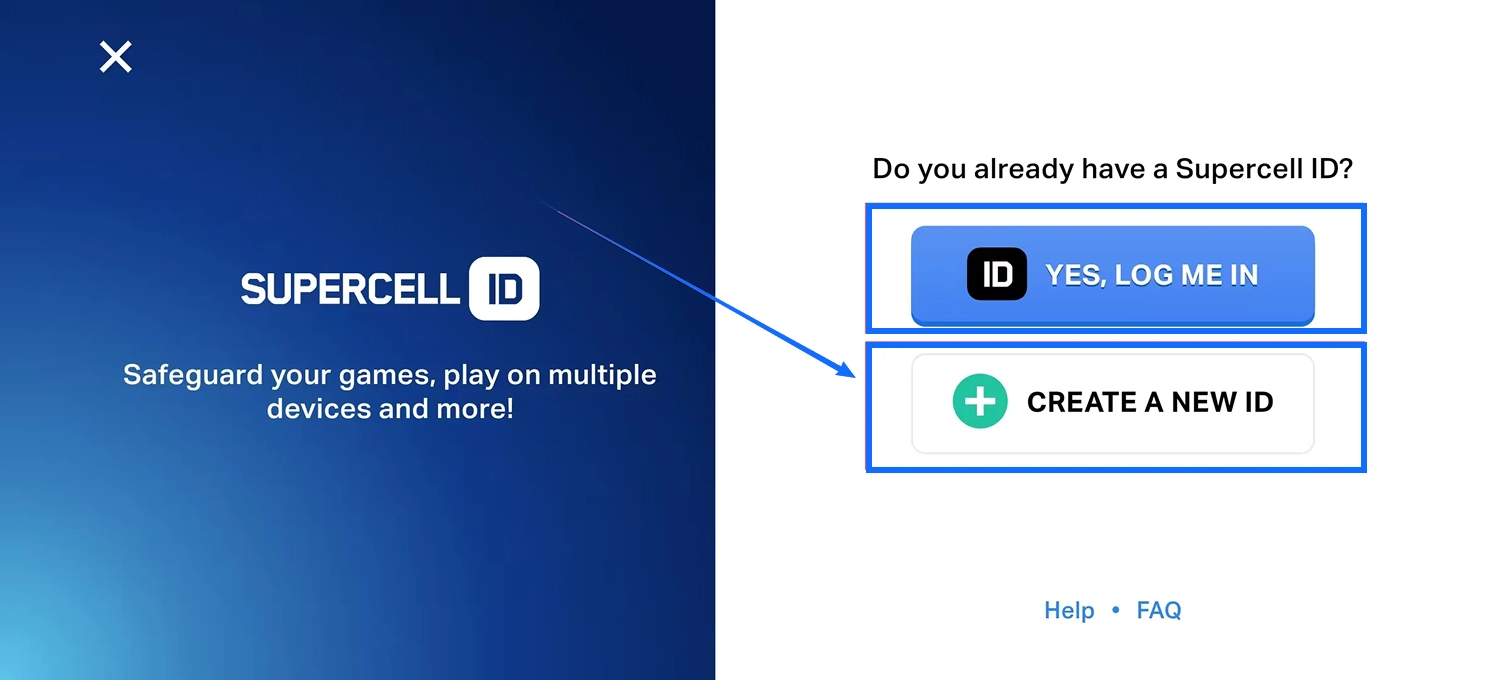
- Enter your email address: Follow the on-screen instructions and enter the email address you want to link. Make sure you can receive emails at that address.
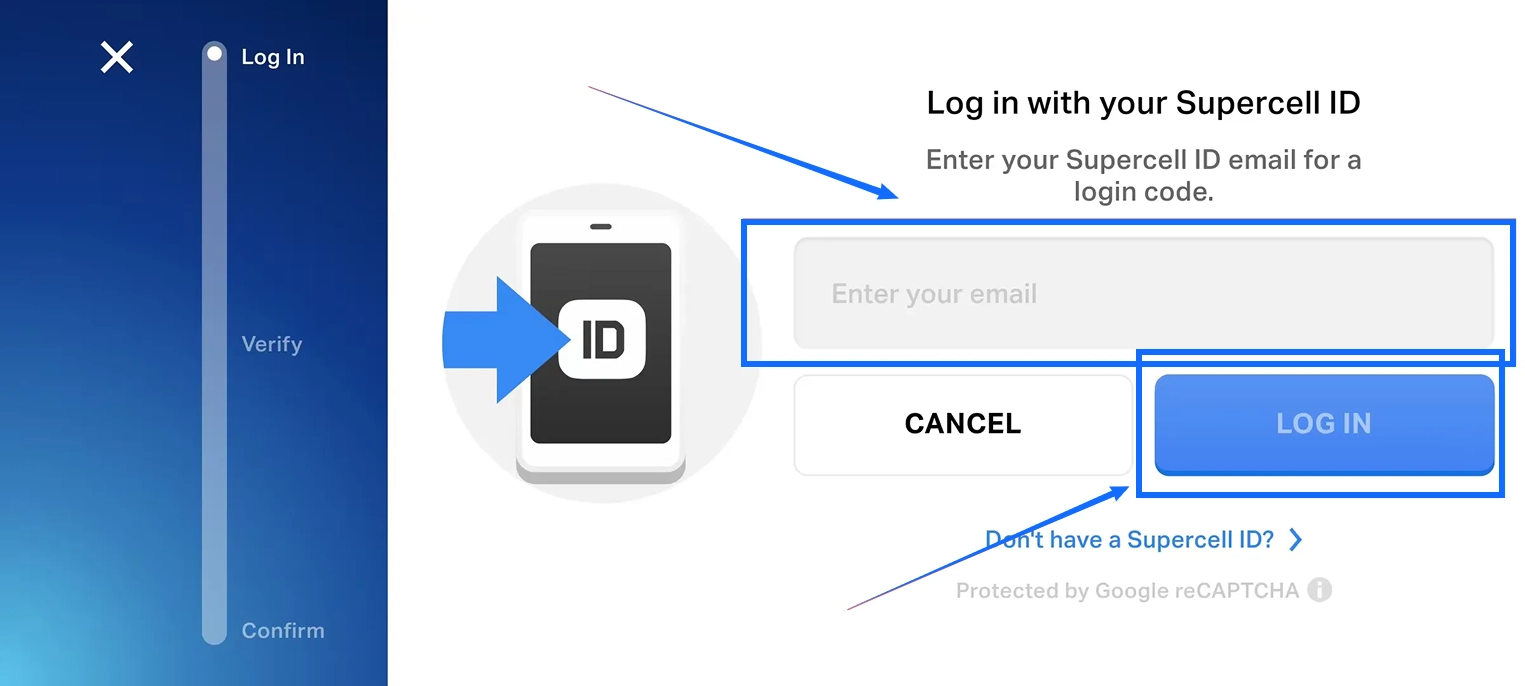
- Complete email verification: Check your inbox for the verification code, then enter it as instructed in the game to complete verification.
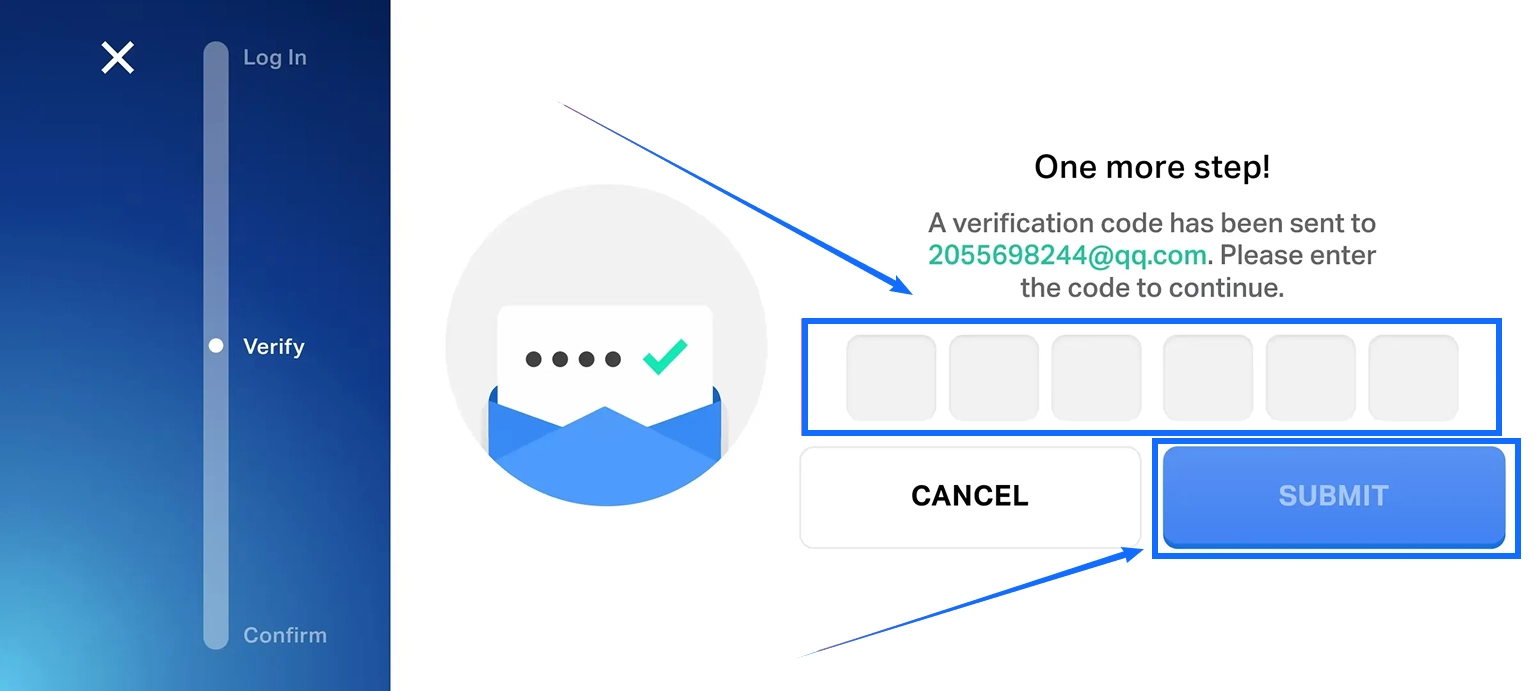
- Confirm the account link: Once setup is complete, return to the game settings and make sure the Supercell ID is linked to the correct village. Double-check that the account details are accurate.
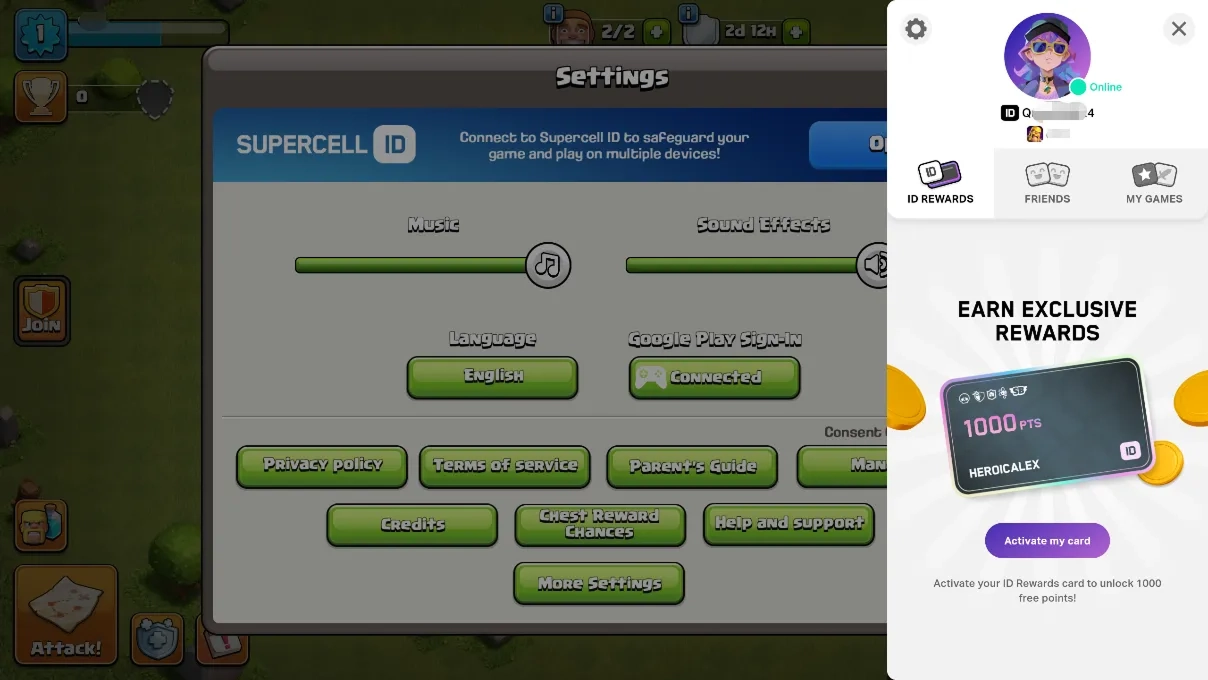
If you manage multiple villages, pay close attention to the Supercell ID currently in use. Player names may look similar, but each village has its own progress. Before submitting a top-up order, confirm that the account our staff will access is the one that should receive the items.
Clash of Clans Manual Top-Up: Complete Purchase Process
Once your Supercell ID is linked to the correct village, you can choose the Gems, Gold Pass, or selected bundle you need on TRADEE. After payment, our staff will use the order details to log in and purchase the selected item.
- Choose a product and complete payment: Select the required amount of Gems, Gold Pass, or a designated bundle on TRADEE. Review the product details, price, and applicable offers, then confirm the final amount and complete checkout.
- Submit your account and player details: Enter the Supercell ID account details, password, and player name as requested. Provide the verification code required by the login process. Check everything carefully to make sure the account and destination village are correct.
- Wait for our staff to process the order: Our staff will use the submitted details to log in and purchase the selected item. Do not log in to the same game account, switch accounts, or change your login details during processing, as this may interrupt the process.
- Check the top-up result: After receiving the order completion notification, log in to Clash of Clans and check that your Gems balance, Gold Pass benefits, or bundle items have been received correctly.
Manual top-ups usually take around 30 minutes to process. Actual processing time may vary depending on order volume, login verification, or the game's system status. If the process takes longer than expected or the items are still missing after completion, keep your order number and contact TRADEE customer support.
Log in to the game only after the order is marked as complete. If additional verification codes are required, follow the order instructions and submit them promptly to avoid delays.
