







SD Gundam G Generation ETERNAL Diamond Top-Up — Get Ready for Unit Assembly and Shop Packs
Saving up for your next Unit Assembly or interested in a specific pack in the in-game shop? In SD Gundam G Generation ETERNAL, you can collect Mobile Suits, characters, and Supporters from across the Gundam series, build your own squad, and take on a variety of strategic stages. Alongside resources earned through gameplay, Diamonds are an important currency for accessing certain paid content.
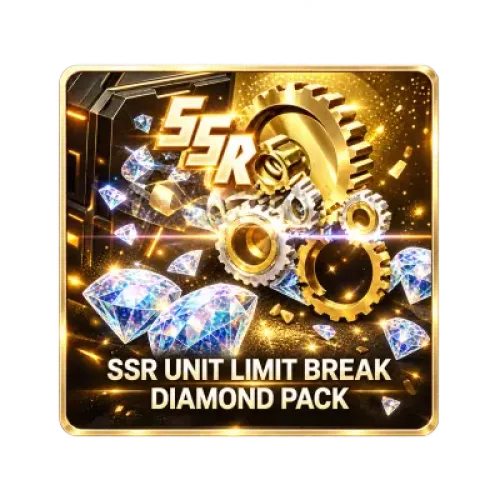
TRADEE offers different Diamond denominations and selected in-game items. Some products may feature limited-time offers, so compare the item contents, current prices, and applicable discounts rather than looking at the Diamond quantity alone. If you qualify for a promotional offer, make sure to follow the terms of the active promotion.
A More Organized Shopping and Order Experience
Buying in-game items involves more than completing a payment. You also need to prepare the correct information and check the in-game result after delivery. TRADEE provides clearly listed product options and their corresponding top-up procedures, helping you choose what you need and avoid unnecessary steps.
- Check your order total before payment
Product prices, applicable offers, and the final amount due are displayed during shopping and checkout. Review the selected product details before paying to reduce the chance of choosing the wrong Diamond amount or pack.
- Plan around the processing method
Self-TopUp orders usually take around 3–5 minutes to process, while Login Top-Up orders generally take around 15 minutes. These are estimates only. Payment verification, order volume, login checks, product availability, and game-side conditions may affect the actual processing time.
- Convenient payment in a secure checkout environment
TRADEE provides a secure website checkout environment and supports payment methods such as PayPal and Visa. Review your product, order details, and total before choosing one of the payment options available at checkout.
- Support is available when you need to check an order
If you have questions about product selection, payment, login information, or order progress, TRADEE's 24/7 customer support team can help with related inquiries and provide a clear channel for assistance throughout the purchase process.
Thank you to every player who trusts and supports TRADEE. We value every order and every service experience, and will continue to respond to player needs with reliable, efficient, and attentive service, making Diamond top-ups and pack purchases easier to manage.
How Do Top-Up Methods Differ Between the International and Japan Servers?
SD Gundam G Generation ETERNAL uses different top-up methods for the International Server and Japan Server. Before starting, check which server your game account belongs to and select the matching service process.
| Server | Available Top-Up Method | What to Know |
|---|---|---|
| International Server | Self-TopUp | Use the Bandai Namco ID linked to your game data to sign in through the Self-TopUp interface and redeem the purchased item yourself. |
| Japan Server | Login Top-Up | Self-TopUp is currently not supported. Select Login Top-Up and submit the information required for the order. |
Link your game data before getting started: Before using the applicable top-up method, make sure your game data is linked to a Bandai Namco ID. Login and information-submission requirements vary by service method, so follow the instructions shown on the relevant order page.
International Server Guide: Self-TopUp
International Server players can sign in and redeem purchased items themselves through the Self-TopUp interface. This process requires the Bandai Namco ID linked to your game data. Keep the current session active while completing the redemption.
- Select a product and complete payment
Visit the SD Gundam G Generation ETERNAL product page on TRADEE. Confirm that International Server is selected, choose the Diamond amount or pack you need, click "Top Up Now," and complete payment.
- Select Self-TopUp
After your purchase is complete, open the corresponding Self-TopUp process.
- Sign in with your linked Bandai Namco ID
Use the Bandai Namco ID linked to your game data to sign in through the Self-TopUp interface. Follow the on-screen instructions to enter the game environment and open the in-game shop.
- Check the product and redeem it
Find the purchased item in the in-game shop, check its contents, and follow the steps to complete redemption. Some products have purchase limits, so check the remaining purchase allowance on your account.
- Wait for the process to finish without switching sessions
Keep the Self-TopUp interface open during redemption. Avoid closing the page or signing in to the same game account from another device or location, as this may interrupt the current login and redemption session.
- Confirm the result
Wait for the system to display a completion notification, then follow the instructions on the result page to finish. Sign in to the game again afterward and check that your Diamond balance or purchased pack has been delivered correctly.
Japan Server Guide: Login Top-Up
The Japan Server currently requires Login Top-Up. Unlike Self-TopUp, which players complete themselves, this order is handled through a designated process. Make sure you select the correct product and prepare the account details and pack information required by the service.
Prepare the Required Information Before Submitting Your Order
- Bandai Namco ID: Login email address and password.
- In-game character name: Provide the character details associated with the target game account.
- Verification code: Follow the on-screen instructions if a code is requested during login or verification.
- Screenshot of the selected pack: Prepare a screenshot of the pack you want to purchase if required by the Login Top-Up process.
Submit the information according to the requirements of your selected order. Make sure your game data is linked to the correct Bandai Namco ID, and double-check the item you want to purchase to avoid submitting incorrect account or pack details.
How to Complete a Login Top-Up
- Open the relevant product page
Visit TRADEE and find the SD Gundam G Generation ETERNAL Login Top-Up product. Confirm that the selected server and product type are correct.
- Choose Diamonds or a selected pack
Check the Diamond amount, bundle, or other item you want to purchase. Click "Top Up Now" and complete payment.
- Submit the information requested by the order
Provide the required login details, in-game character name, verification information, and a screenshot of the selected pack if requested on the order page.
- Keep the waiting page open
After your information has been submitted successfully, the system will direct you to a waiting page. Keep the page available and avoid logging in to the same game account while the manual top-up is being processed, as this may affect the active login session.
- Check the order result
Once processing is complete, the page will move to the successful top-up screen. You can also check the order status and progress under "Purchase History," then sign in to the game to verify the Diamond balance or pack contents.
SD Gundam G Generation ETERNAL Top-Up FAQ
Does buying Diamonds guarantee a specific Unit or Supporter?
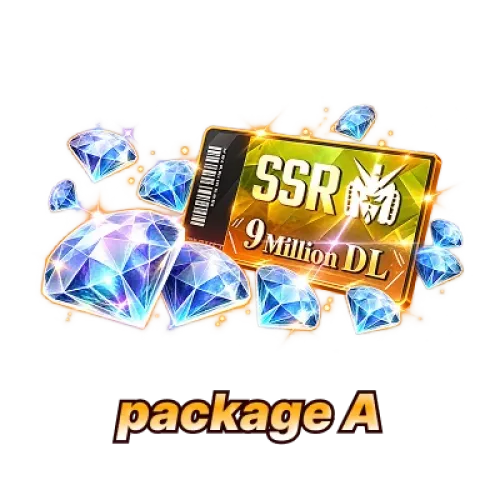
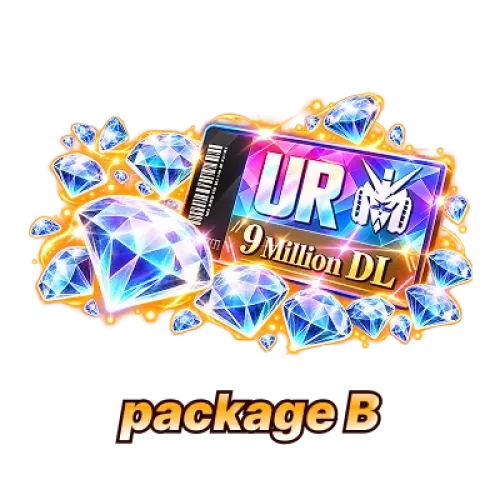
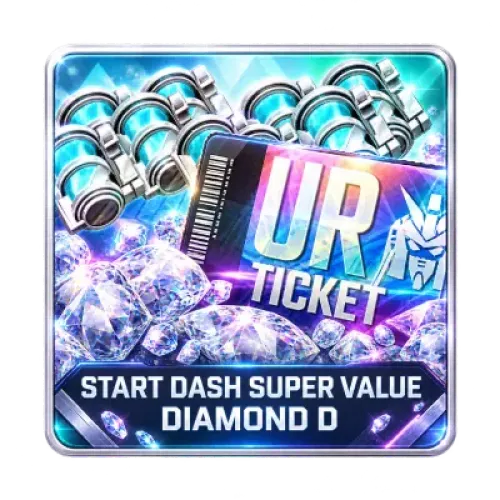
Buying Diamonds alone does not guarantee a specific Unit or Supporter. Unit Assembly results depend on the featured content and drop rates available in the game at the time. If you purchase a pack that includes a specific Assembly Ticket or guaranteed reward, check that product's contents and applicable conditions separately.
Why can't I redeem a pack even though my payment was completed?
Some products have purchase limits. A completed payment does not necessarily mean your account still has an available purchase allowance. Check the remaining purchase count shown in the in-game shop and make sure you are signed in to the account associated with your order.
What should I do if my Diamonds or pack do not appear in the game immediately after the top-up?
First, confirm that your selected top-up process is marked as complete, then sign in to the game again and check your Diamond balance or pack contents. If the order is marked as completed but the purchased item is still missing in-game, contact TRADEE customer support and provide your order details so the status can be checked.
