





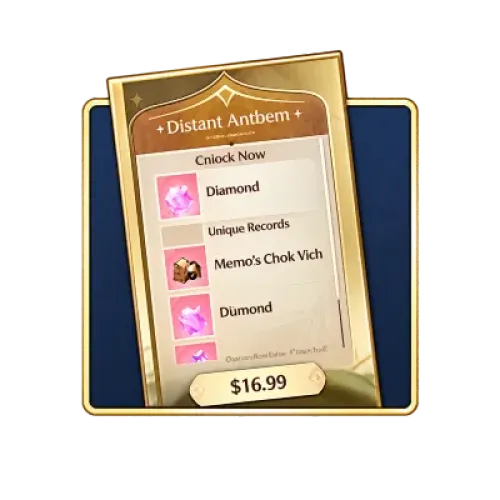
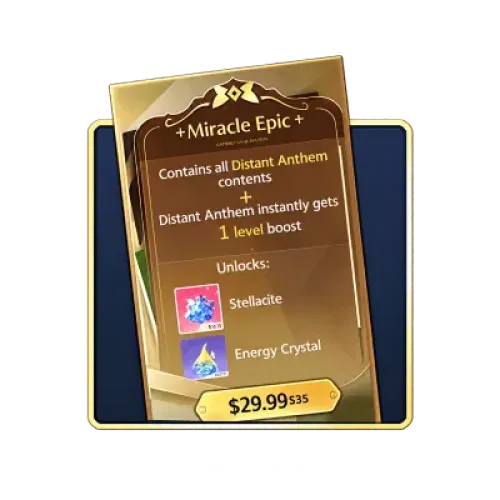



Infinity Nikki Stellarite and Selected Pack Top-Up
Getting ready to resonate for an outfit you love, shop for clothing items, or purchase Monthly Gifts? TRADEE offers Stellarite and other supported products for Infinity Nikki through a manual top-up service. Our staff will log in to the game using the order details you provide and complete the requested purchase. Before placing an order, make sure your account is linked to a usable Infold Account, and have your character name, UID, and target product information ready. Remember to check whether your account is currently eligible for the first-time top-up double bonus before paying.
Stellarite First-Time Top-Up Bonus: Check Your Eligibility Before Setting Your Budget
Infinity Nikki has reset the first-time top-up double bonus for Stellarite following certain version updates, allowing eligible tiers to receive the bonus again. However, these resets are subject to official announcements. A previous reset event does not mean the bonus is currently available.
Check Which Situation Applies Before Paying
- The game displays a first-time top-up double bonus: Check the current bonus shown for your selected tier and include the displayed amount in your budget.
- No first-time top-up double bonus is displayed: Do not assume the tier is still eligible, and do not apply a bonus from another tier to this purchase.
Eligibility for the first-time top-up double bonus, reset dates, and actual rewards are subject to official announcements and the latest information shown in the in-game Stellarite purchase interface.
Check Your Account Linking Before Playing Across Platforms
Infinity Nikki supports multiple platforms, but sharing progress between them depends on whether your account has been linked correctly. If you switch between mobile, PC, and PS5, make sure you are signing in with the same linked account that holds your existing character progress.
| Item | Details |
|---|---|
| Supported Platforms | iOS, Android, PC, PlayStation 5, and Mac. The platforms available for manual top-up depend on the options listed on the relevant product page. |
| Server | Global Servers. |
| Cross-Platform Progress and Stellarite | Once your account has been linked correctly, the same account can share the corresponding game progress across supported platforms. For cross-platform use of Stellarite, follow the latest account and platform rules published by the official team. |
| Login Method for Manual Top-Up | Manual top-up currently does not support direct login with an Apple Account. Please use an Infold Account that is correctly linked to your game progress. If you have not linked your account yet, complete the linking process first. |
Infinity Nikki Manual Top-Up Process
For manual top-ups, our staff will log in to the game using the order details you provide and purchase the specified products. Before placing an order, prepare your game login account and password, character name, UID, and screenshots of the in-game products you want, along with the required quantities.
Information to Prepare Before Ordering
If you choose manual top-up, prepare your game login details and the information for the products you want to purchase. Our staff will use the submitted details to log in and complete the items specified in your order.
- Game login account and password.
- Character name and UID.
- Screenshots of the in-game products you want to purchase.
- Quantity of each selected product.
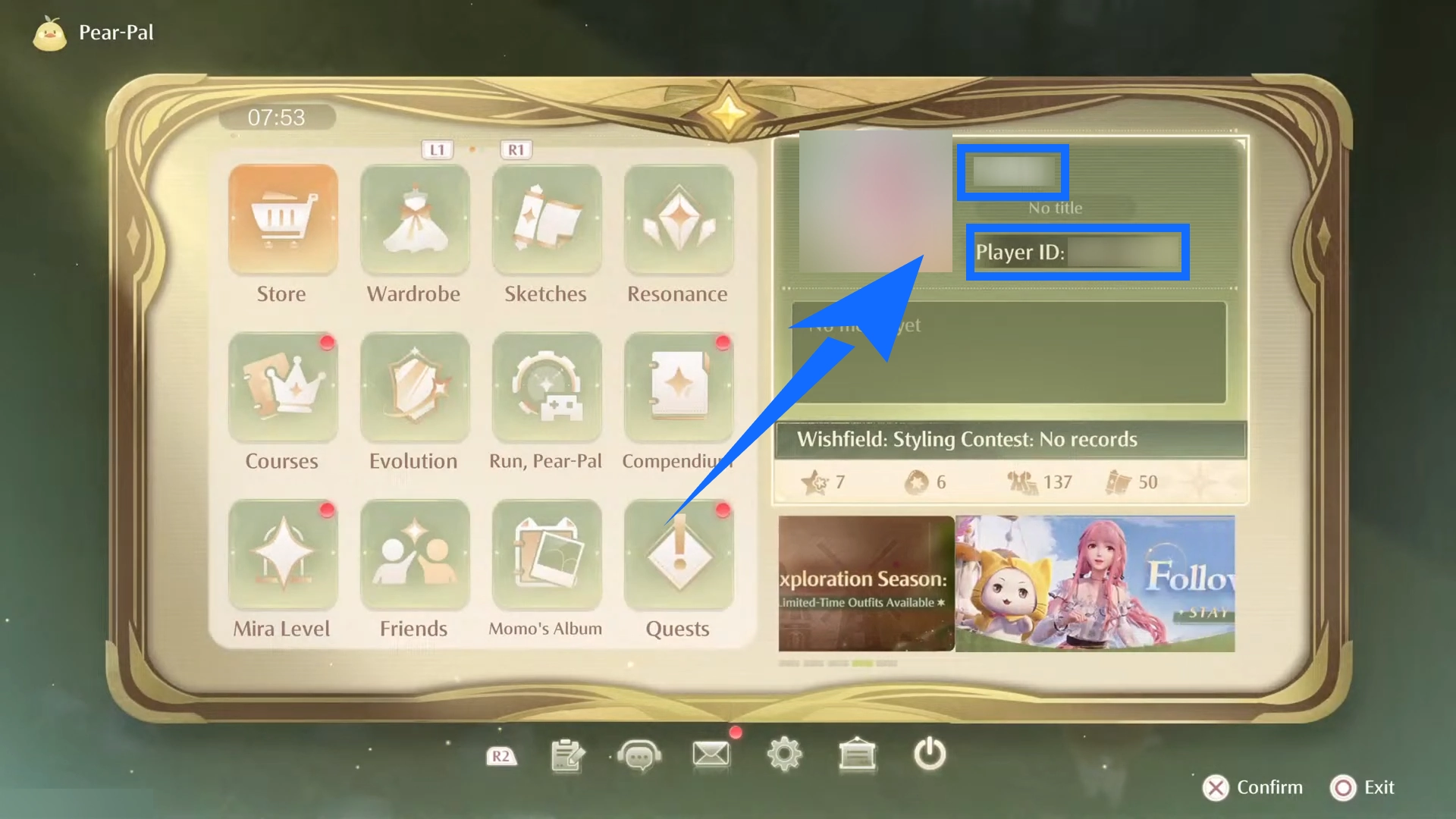
You can find your character name and UID by opening Pear-Pal in the game and viewing your Stylist's Profile Card. When submitting your order, make sure both details match the intended character and that your screenshots clearly show the products you want to purchase.
What Happens After You Submit Your Details
- Select a manual top-up product:
Open the Infinity Nikki manual top-up product page on TRADEE and select a Stellarite tier, Monthly Gifts, or another supported product.
- Pay and submit your details:
After payment, follow the instructions on the order page to provide your login account, password, character name, UID, product quantities, and screenshots of the selected products.
- Wait for processing:
After submitting the required details, you will be redirected to a waiting page. Once our staff receives the information, they will log in to the game and complete the purchase according to your order.
Please do not log in to your game account while the manual top-up is being processed. Doing so may cause a login conflict and interrupt the purchase process.
- Check the purchase result:
Once the purchase is complete, you will be redirected to the top-up confirmation page. You can also check your order status under Purchase History. After processing is confirmed, log in to the game to verify your Stellarite balance or purchased products.
Manual Top-Up Reminder: Direct login with an Apple Account is currently not supported. If your game progress is not linked to a supported Infold Account, complete the linking process before using this service. Once you have confirmed that the products have been delivered, you may change your game account password if needed.
Manual top-ups usually take around 15 minutes. Processing may take longer depending on order volume, login verification, payment review, or game server conditions.
Plan Your Top-Up Around Your Styling Goals
Whether you are saving resources for Resonance or purchasing a specific item from the Store, checking the product details, price, and order information is an important step before buying. TRADEE brings product options and order information together on the product page, making it easier to review the details before payment.
- Products and Budget:
Check the Stellarite amount, product price, and currently displayed offers for each tier. If a discount or promotion is available, refer to the product page and checkout page for the actual details.
- Payment Options:
TRADEE offers multiple payment methods. Options such as PayPal and Visa may be available at checkout, depending on the order and region. Please confirm the final total before paying.
- Order Support:
If you need help with an order, payment issue, or product delivery status, contact TRADEE's 24/7 customer support for assistance with your order.
Frequently Asked Questions About Stellarite and Top-Ups
Can Stellarite purchased on different platforms be shared?
Cross-platform use depends on your account-linking status and the game's cross-platform resource rules. Make sure you use the same correctly linked account on each platform, and refer to the latest official rules for Stellarite sharing. Do not assume resources can be transferred between different accounts.
Why might TRADEE product prices differ from in-game prices?
Prices may vary due to payment currency, region, exchange rates, platform pricing, and current promotions. When comparing prices, make sure the product contents and Stellarite amounts match, and use the final amount shown at checkout as your reference.
Does the product screenshot for a manual top-up mean I will receive other items shown in the image?
No. The screenshot helps our staff identify the product you want to purchase. It does not mean that other items shown in the image will be included as extra rewards. The actual purchase items and quantities are based on the order details you submit, so make sure your screenshot matches your selected product.
