


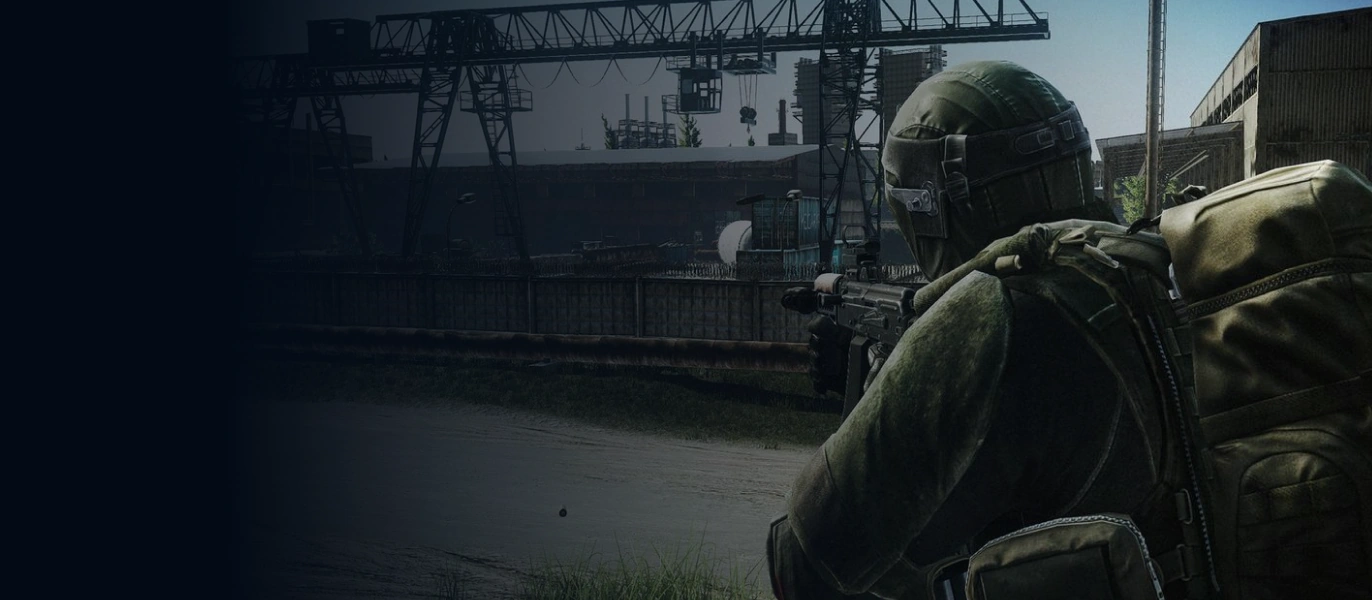




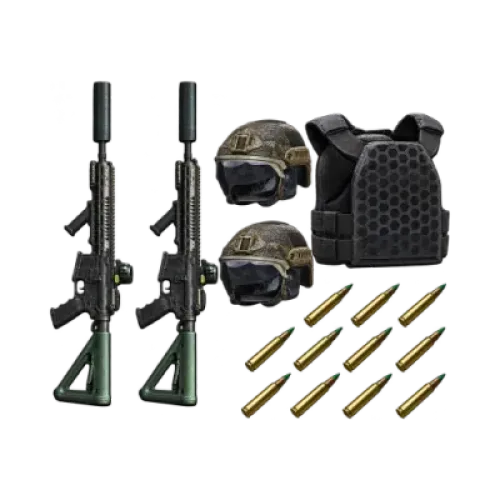
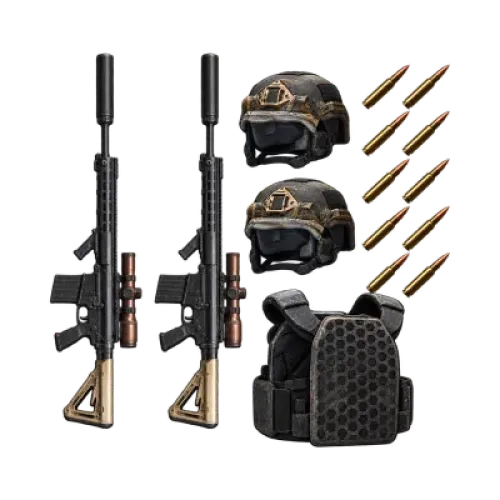
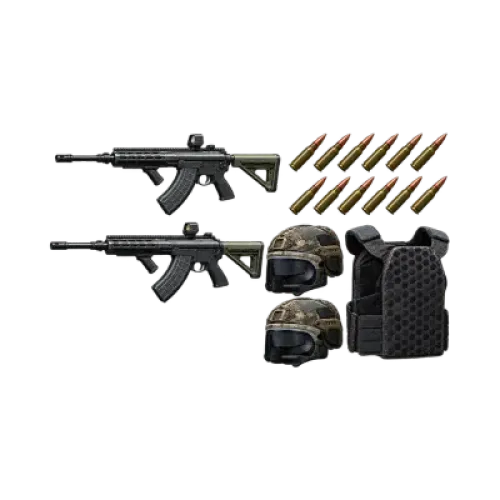
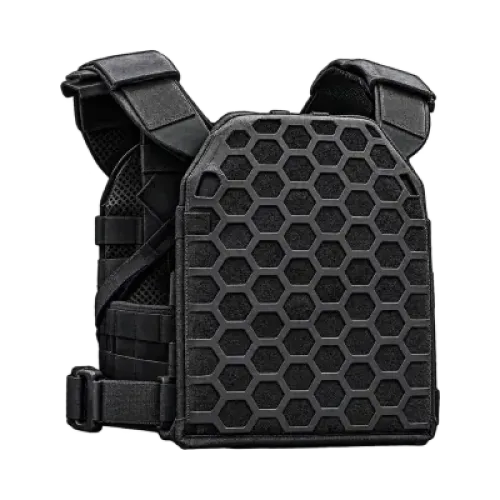
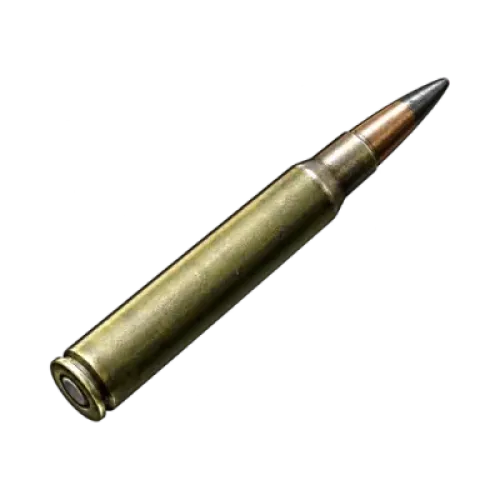
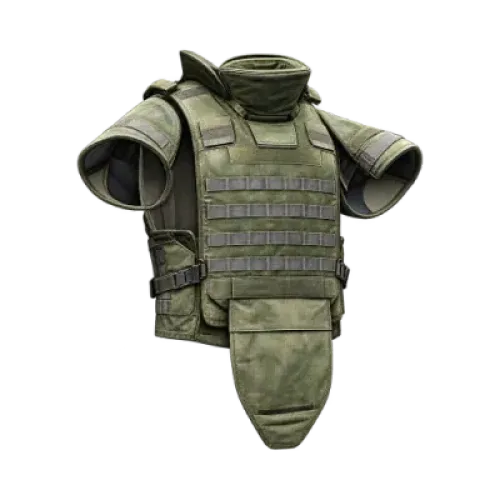
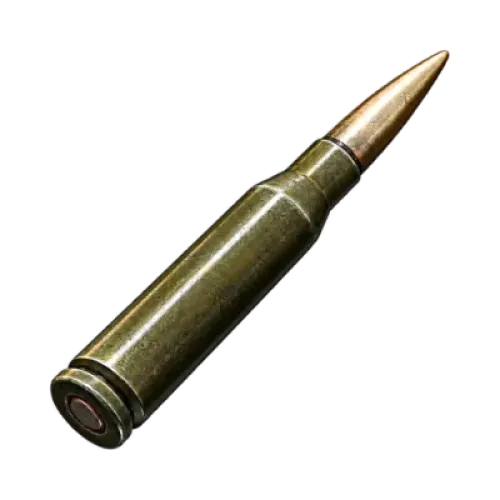
Preparing for a raid does not always mean buying an entirely new loadout. You may already have your primary weapon and only need the right ammunition, or your protective gear may still be in good condition. For Escape from Tarkov players, identifying what is actually missing and allocating your budget accordingly is often more practical than simply filling the stash with more items.
TRADEE offers Escape from Tarkov items, including weapons, gear, ammunition, weapon parts and modification attachments. Whether you are putting together a new weapon setup or looking for specific supplies, you can browse the available product categories and choose what matches your needs without adding unnecessary items to your shopping list.
Start with the Equipment You Need
Choosing equipment in Escape from Tarkov involves weapon compatibility, ammunition types and protection requirements. The categories below are organized by product use, helping you narrow down what you need before checking the currently available items.
| Product Category | Items to Look For | What to Check |
|---|---|---|
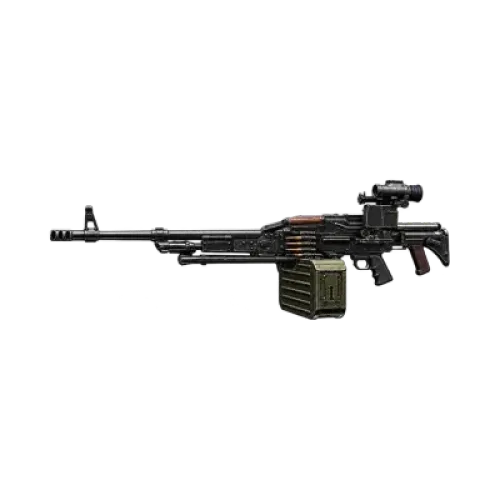
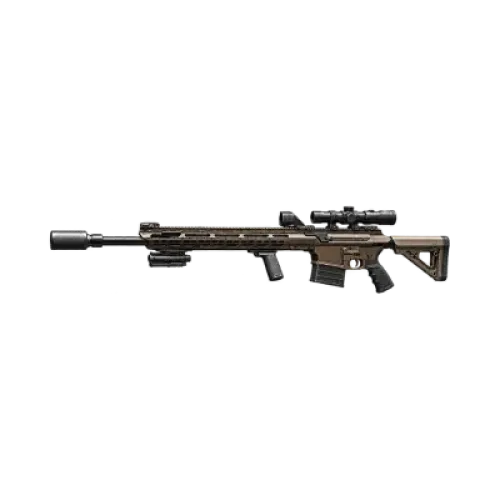
| Weapons | Primary weapons and other available firearms | Check the weapon model and whether additional attachments are needed. |
| Gear | Protective equipment and other combat supplies | Consider your current loadout, intended use and the actual product specifications. |
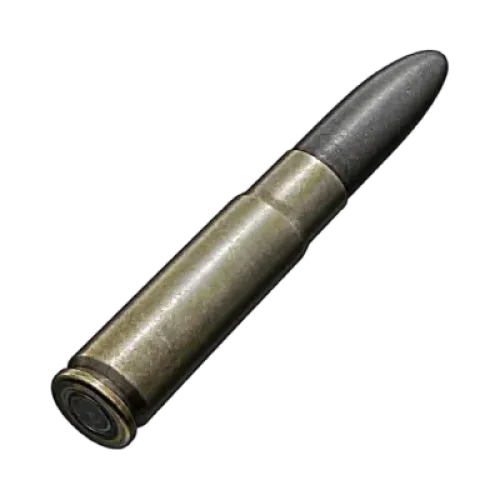
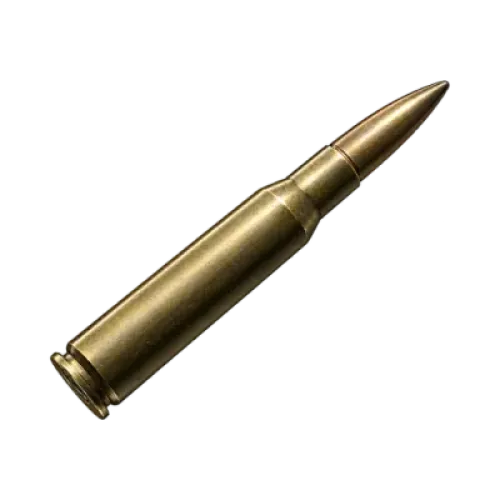
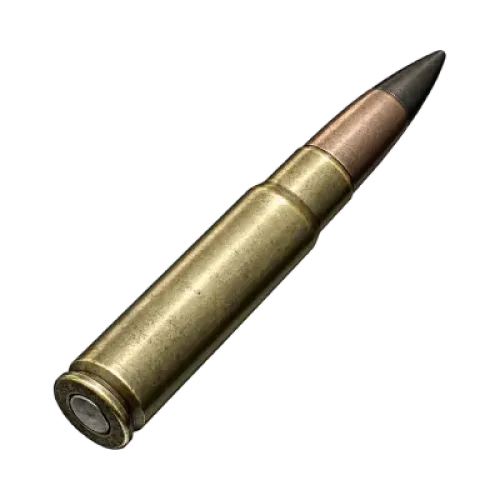
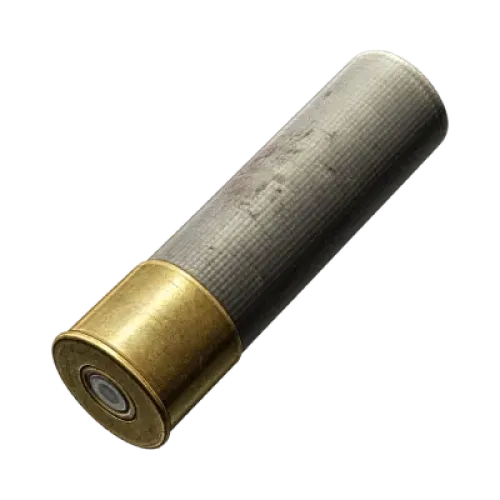
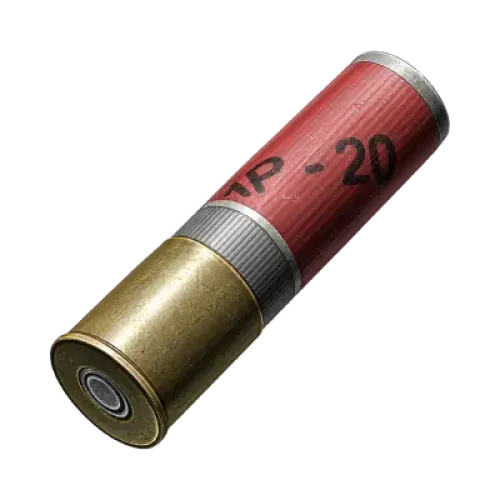
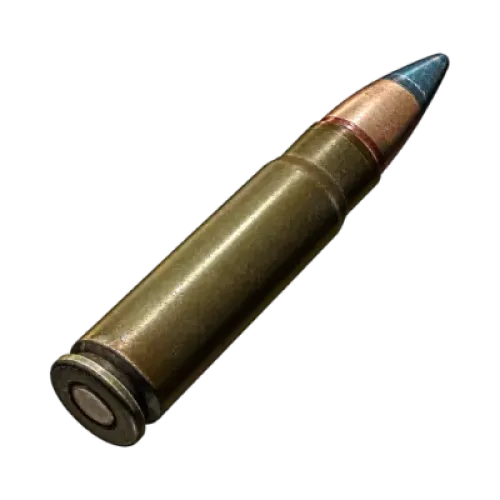
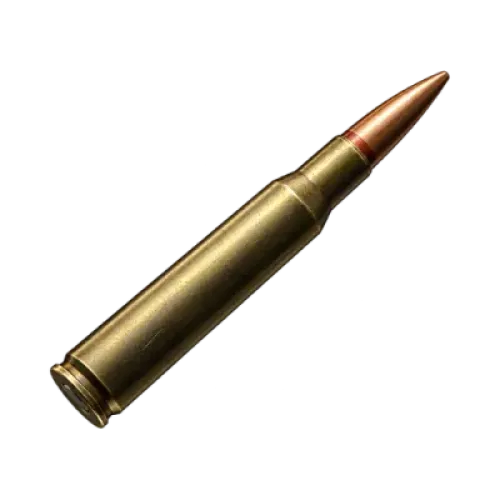
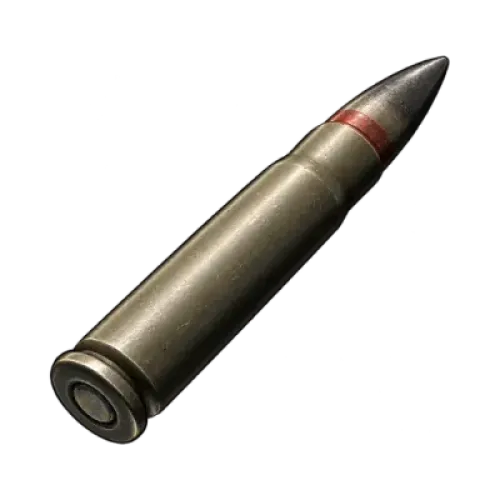
| Ammunition | Ammunition in different calibers and types | Make sure it is compatible with your weapon instead of comparing quantity alone. |
| Weapon Parts and Attachments | Weapon components and various modification attachments | Check the compatible model, mounting position and required specifications. |
If you already have a regular loadout, start by looking for ammunition or the attachments you are missing. If you plan to switch your main weapon, choose the firearm first, then check whether the rest of your equipment needs to change as well. Some products may be sold as bundles, so review exactly what each bundle contains before buying. A single weapon listing does not necessarily include a complete loadout.
The product catalog may change as listings are updated. Check the current TRADEE product page for available items, specifications, quantities and prices.
Spend More Time on Your Loadout: How TRADEE Makes Shopping Easier
Preparing equipment for Escape from Tarkov involves more than finding an item. You also need to confirm the product, provide order details, complete payment and follow the delivery arrangements. TRADEE organizes items into categories so you can compare products and prices before placing an order.
| What Matters to You | How TRADEE Helps |
|---|---|
| Avoid spending on items you do not need | Browse weapons, gear, ammunition and attachments by category. Choose according to what your loadout is missing, then check the product price and order total before checkout. |
| Keep order processing efficient | TRADEE focuses on checking order details and coordinating delivery. Providing accurate required information helps reduce delays caused by incorrect or incomplete details. |
| Get help with an order or delivery question | 24/7 customer support is available for assistance with product specifications, order details and delivery arrangements. |
| Choose a convenient payment method | PayPal wallet and PayPal credit card payment options are supported, including Visa where offered at checkout. Available methods are subject to the options displayed on the checkout page. |
Whether you are replacing one piece of gear or selecting several combat supplies, compare product specifications and costs before deciding what to order together. TRADEE focuses on clear product information, order processing and round-the-clock support, helping you make more informed purchasing decisions without buying items you do not need.
From Product Selection to In-Game Delivery
Escape from Tarkov items are game-item products, not a service for directly topping up game points. After completing a purchase, you will need to follow the order arrangements for delivery. Choosing the right product is only the first step; providing the required information and checking the received items are also important.
- Choose a mode and confirm the product
Select PvP Permanent or PvE, then browse the product categories for the items you need. Check the full product name, model, quantity and bundle contents, and make sure the total fits your budget.
- Enter your order details and pay
Provide the necessary order and receiving information requested on the checkout page. Check that the details, product contents and final amount are correct before completing payment with an available method.
- Follow the delivery arrangements
After payment, follow the delivery instructions provided for your order. Delivery arrangements may vary between items, so follow the specific instructions for your purchase.
- Check the items against your order
After receiving the items, verify their names, models and quantities. If you purchased a bundle, check each item individually. If anything does not match, keep your order number and contact TRADEE customer support for assistance.
Character identification details are not the same as account login credentials. Only provide the information specifically required for your order. Do not share your account password or login verification codes with strangers.
Escape from Tarkov Items FAQ
Are purchased items automatically insured?
No. Buying an item does not mean it is automatically insured. Whether it can be covered by the in-game insurance system depends on the item type and game rules. If you plan to bring valuable gear into a raid, check the available insurance options and costs beforehand.
Should I buy more items if my stash is nearly full?
Check your stash capacity and organize items you do not currently need before deciding how much to buy. Also consider item size and stacking rules so you do not run out of space when the items arrive.
Can game updates change the stats or uses of items I have purchased?
Game updates may adjust weapon stats, gear effects, ammunition performance or item functions. The same product name does not guarantee identical in-game stats across different versions. If you are buying an item for a specific weapon setup or combat purpose, check its details in the current game version before ordering.
