












Choose Shooms or rare creatures based on your collection goals
Need more Shooms for your next trade, or looking for a creature that has been missing from your collection? These goals call for different products. TRADEE's Creatures of Sonaria Items catalog includes Shooms currency and retired creatures, so you can browse based on the amount of currency you need or the specific species you're looking for.
The current catalog features the Main server, with multiple Shooms denominations and a selection of creature species. Product availability may change, so always check the product name, quantity, price, and specifications displayed on the product page before ordering.
Compare product types before choosing an amount
| Product type | Best for | What to check |
|---|---|---|
| Shooms currency | Preparing currency for in-game trades and resource spending. | Compare the available denominations, prices, and the amount you actually need. |
| Retired creatures | Finding specific species and expanding your creature collection. | Check the full species name. Do not assume a creature comes with a specific growth stage or mutation. |
Shooms: denominations from 50K to 1000K
Shooms products currently include 50K, 100K, 200K, 300K, 500K, and 1000K options. Before choosing a denomination, estimate how much currency you need and compare the prices of the available options.
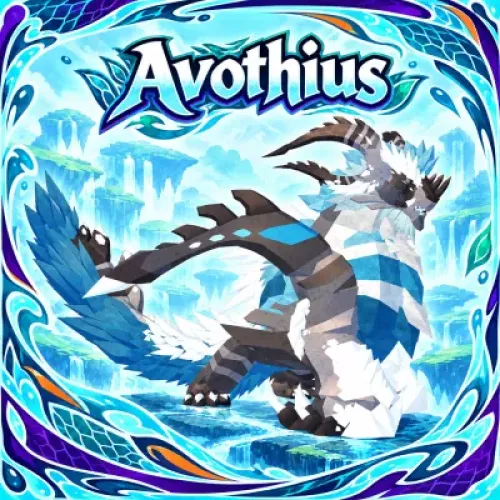
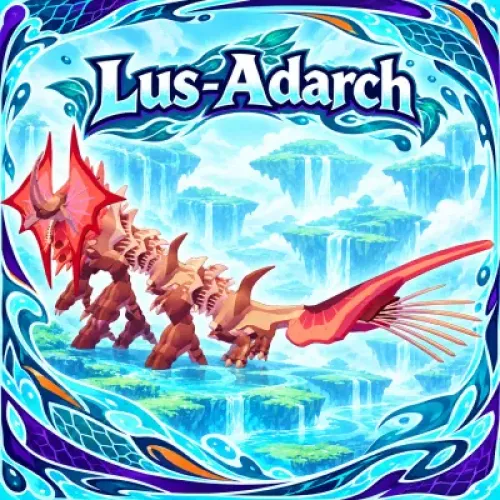
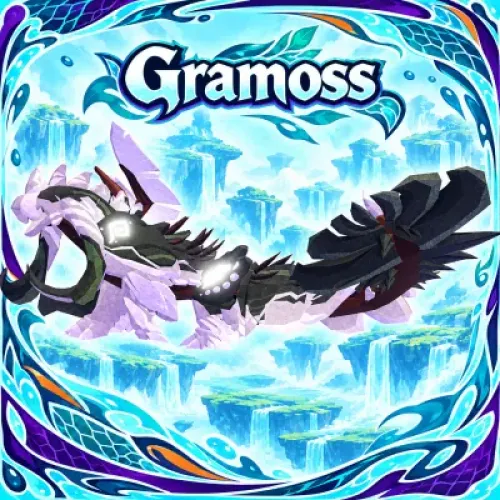
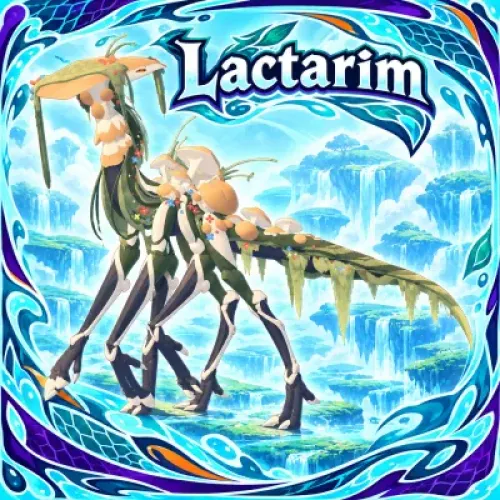
Retired creatures: find the species by its full name
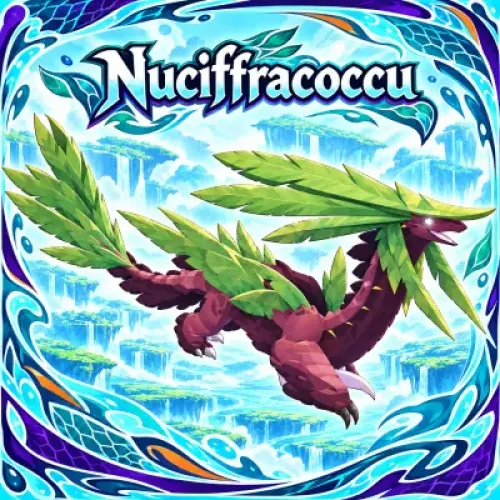
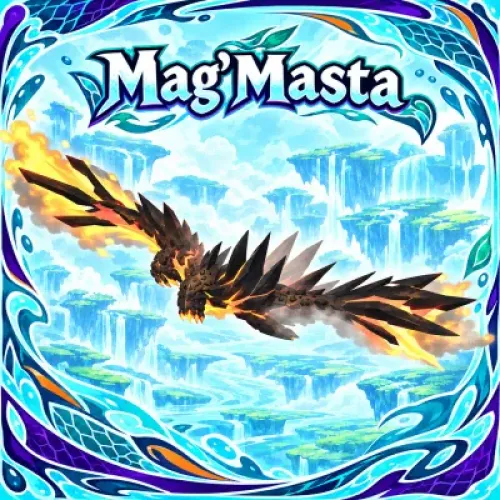
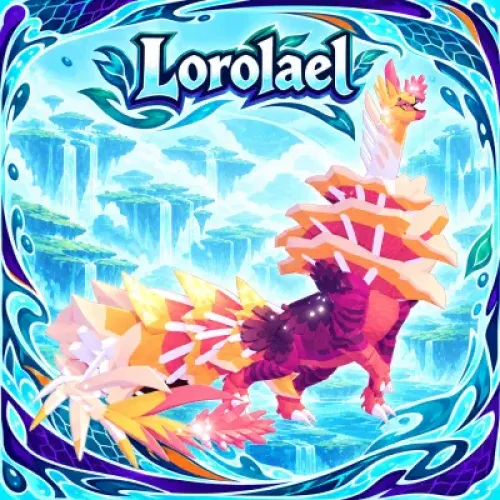
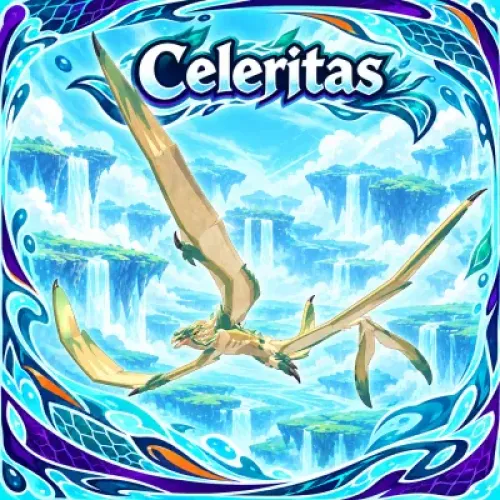
If you already have a specific creature in mind, searching by its full species name is the most straightforward approach. Creatures with similar names in Creatures of Sonaria are still different species, so avoid identifying a product by appearance or only part of its name. "Retired creatures" is a product category used on this page; it does not guarantee a particular mutation, color, growth stage, or other individual trait. Only rely on these details when they are clearly listed in the product specifications.
Look beyond the price: clear order handling matters too
In-game purchases involve specific currency amounts or creature species. Choosing the wrong product or receiving unclear delivery instructions can make an otherwise simple order more complicated. TRADEE focuses on organized order handling and checking transaction details, helping keep each step clear from product selection to receipt.
Check the product and order details first
Before ordering, compare the species name, Shooms amount, and price shown on the product page. Review the order total once more before payment. Confirming these details helps reduce mistakes involving quantities or product selection and makes the delivery process easier to follow.
Efficient processing with support when you need it
Providing the required information clearly and following the delivery instructions can help reduce unnecessary back-and-forth during order processing. If you have questions about product selection, payment, or delivery, you can contact 24/7 customer support for assistance. Actual delivery time depends on order processing and in-game trading arrangements; no fixed delivery time is guaranteed.
Choose a payment method that works for you
At checkout, review the available payment options, which may include PayPal and supported credit cards such as Visa. The payment methods currently available are shown on the checkout page.
Understand in-game trading rules before receiving your order
Player-to-player trades in Creatures of Sonaria take place in the Trade Realm. Before purchasing, make sure the character receiving your order meets the requirements to enter this area. If your order exceeds the single-trade limit, review the applicable rules and delivery arrangements instead of assuming the full amount can be transferred in one trade.
TRADEE is a third-party game trading service, not an official store operated by Creatures of Sonaria or Roblox. Before purchasing, review Roblox's Terms of Use and the applicable game rules, and consider the associated risks carefully.
- Confirm the product and order total.
Choose Shooms or a specific creature, then check the name, quantity, and price carefully. Before paying, make sure the selected product matches what you intended to purchase.
- Complete payment and prepare to receive your order.
Pay using an available checkout method and keep your order number. Provide the necessary player identification details according to the order instructions. Never share your account password or other sensitive information with strangers.
- Follow the instructions for the in-game trade.
After payment, follow the order arrangements to receive your item. Before accepting a trade, check the Shooms amount or species name shown in the trade window. If anything is incorrect, stop and verify the details first.
- Check the items you receive.
After the trade, confirm that the currency amount or creature species matches your order. If there is a quantity discrepancy, an incorrect species, or another delivery issue, keep your order number and contact TRADEE support for assistance.
Single-trade Shooms limit: Available game trading information lists a limit of 500,000 Shooms per trade. This means a 1000K product cannot necessarily be transferred in full through a single in-game trade. If delivery requires multiple transactions, understand the trading limit and arrangements first to avoid unnecessary risks.
