






Call of Duty: Modern Warfare 4 Redeem Codes and Exclusive Rewards
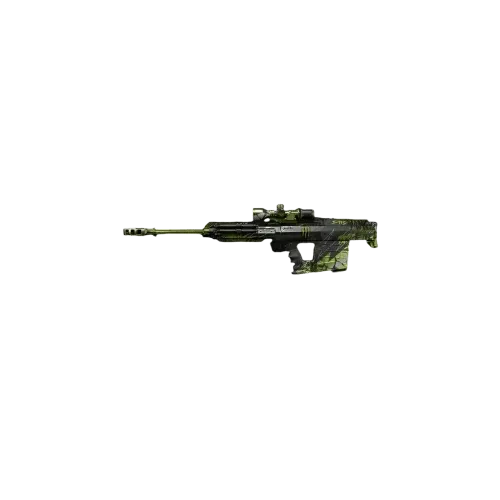
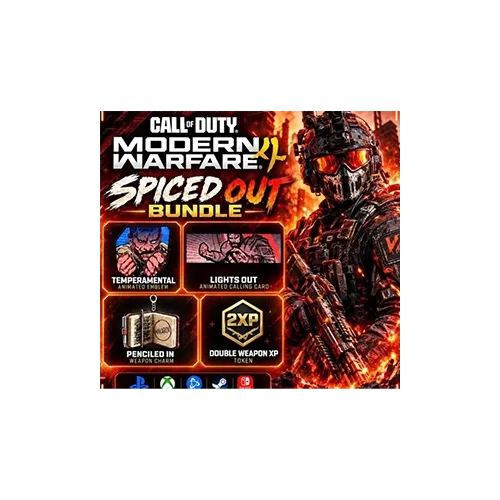
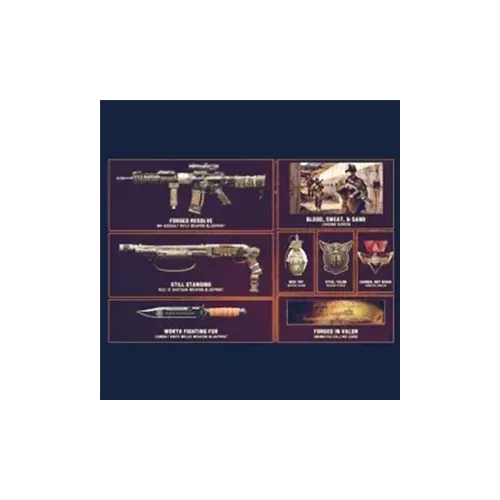
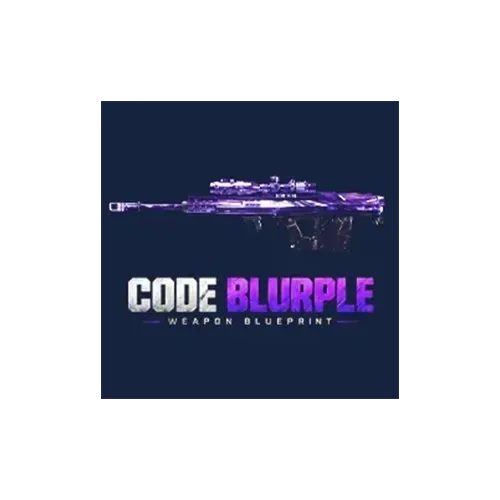
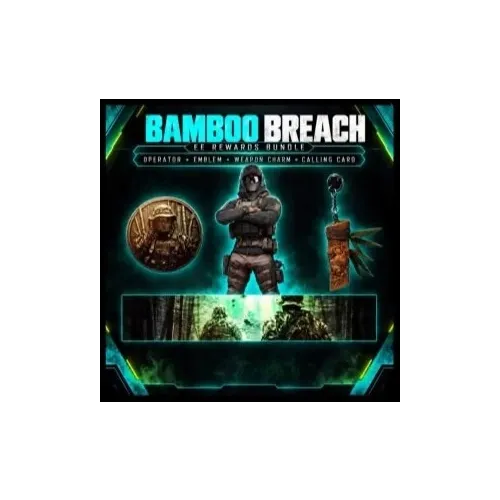
Looking to unlock new cosmetic content in Call of Duty: Modern Warfare 4 or speed up your Operator and weapon progression in Multiplayer? Redeem codes let you claim specific in-game rewards, and TRADEE offers a range of MW4 codes covering Operator Skins, Weapon Blueprints, Calling Cards, collaboration bundles, DLC, and Double XP Tokens. Whether you want to collect limited cosmetics or earn more XP for your next Multiplayer matches, you can choose a code based on its rewards and your gaming platform.
Each code comes with its own reward and redemption requirements. Before purchasing, check the included content and make sure the code is compatible with your platform.
MW4 Redeem Code Categories and Available Rewards
TRADEE offers cosmetic items, collaboration content, and Double XP Tokens. Choose an individual code or a bundle based on the rewards you want to unlock.
Choosing MW4 Redeem Codes for PC, PS, and Xbox
TRADEE product listings are organized into PC, PS, and Xbox platform categories. Redeem codes are not necessarily compatible across all platforms, so check the supported platform and redemption requirements rather than relying on the reward name alone.
- PC: Check the platform and redemption requirements listed for the product, including the supported game account.
- PS: Choose a product intended for your PlayStation platform and make sure your game account meets the redemption requirements.
- Xbox: Confirm that the product supports your Xbox platform and account.
Checking platform compatibility before placing an order can help prevent issues with codes that cannot be redeemed on your system.
How Are MW4 Redeem Codes Delivered and Used?
These products are delivered as redeem codes. They do not require an in-game trade or someone logging into your game account to add the items. After placing an order, contact TRADEE customer support with your order number and follow the delivery instructions for your selected product to receive the corresponding code.
Redeem Through the Official Activision Channel
- Receive Your Code
After your order is completed, follow the delivery instructions provided by customer support to receive your MW4 code. Check that the reward name matches the product you purchased.
- Sign In to Your Activision Account
Visit the official Call of Duty redemption page and sign in to the Activision account linked to your gaming platform.
- Enter Your Code
Follow the page instructions to enter and submit your code. Different rewards may have their own eligibility requirements or expiration dates, so check the conditions that apply to your code.
- Confirm Your Redemption
After a successful submission, the official confirmation page will display the rewards you have received. If the game was running while you redeemed the code, restart it and check whether the corresponding content has appeared in your account.
Redemption Tip: A successful code submission and the appearance of an item in-game are two separate checks. Keep your redemption confirmation and restart the game before checking your items or XP Tokens.
What Information Should You Prepare Before Purchasing?
Redeem code products do not require an in-game trade, character location, or party coordination. To help process your order correctly, prepare the following details:
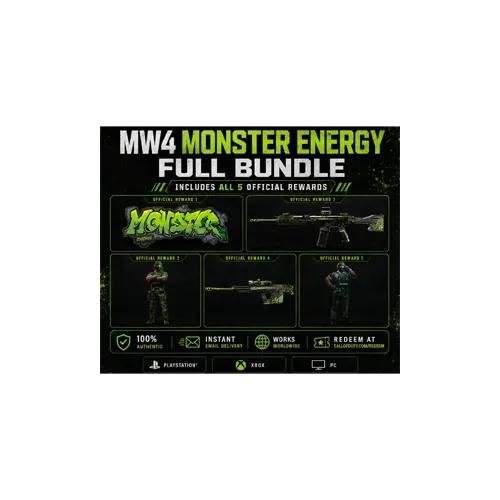
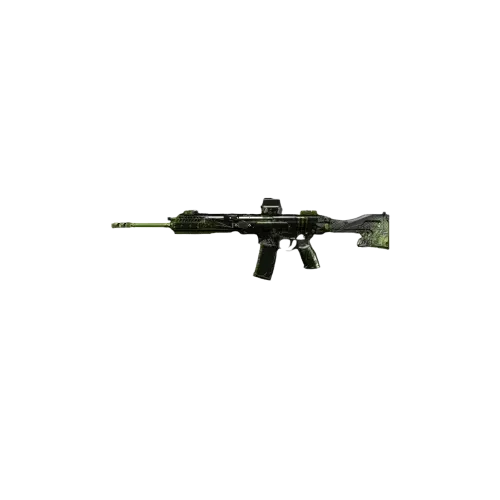
- Product Name: Confirm the code you want, such as a Weapon Blueprint, Monster Energy set, or 60-minute Double XP Token.
- Gaming Platform: Select the corresponding PC, PS, or Xbox product category.
- Quantity: Check how many codes you need and whether you are purchasing an individual item or a bundle.
- Order Number: Keep your order number after payment so you can contact customer support and confirm the delivery details.
This service provides redeem codes for players to use themselves through their Activision accounts. Do not share your account password, login verification codes, or other sensitive sign-in information with anyone.
Call of Duty: Modern Warfare 4 Redeem Code FAQs
Can these redeem codes unlock the full game?
No. These products should not be treated as licenses for the full game. They are intended for specific in-game rewards, DLC content, or XP Tokens. Check the product name and included content before purchasing to avoid confusing a reward code with a game edition.
Are Monster Energy codes redeemed in the same way as regular game codes?
Monster Energy promotions may involve more than one redemption step. For example, an official promotion may require you to submit the code printed on a drink can through the campaign website before receiving a separate reward code for Call of Duty. Check which type of code is included with your purchase, as a campaign entry code and an in-game reward code are not interchangeable.
Why can't I see my reward in-game after redeeming the code?
The official redemption confirmation page shows which rewards have been granted. If the game was still running when you redeemed the code, completely close and restart it, then check your inventory for the corresponding weapon, Operator Skin, or other reward.
Can a 60-minute Double XP Token increase both player rank and weapon levels?
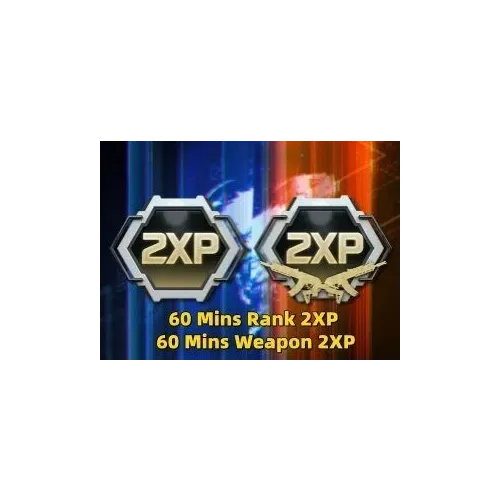
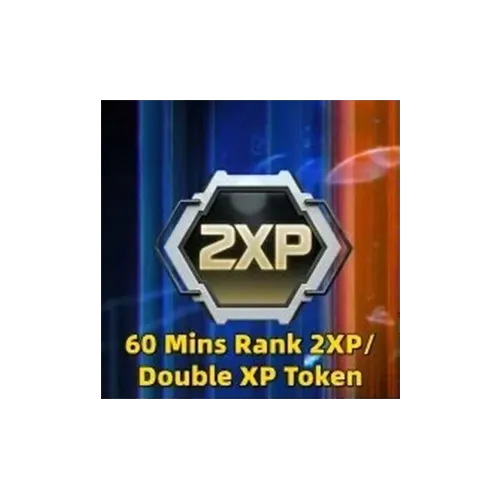
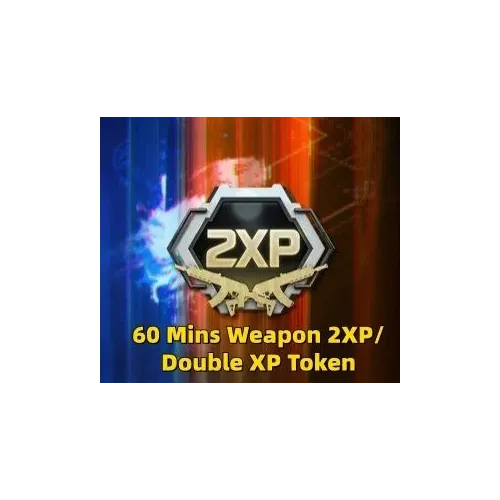
Rank 2XP and Weapon 2XP have different effects: one boosts player rank experience, while the other boosts weapon experience. If you want both bonuses, choose the Rank 2XP + Weapon 2XP bundle instead of assuming that either individual token includes both effects.
