



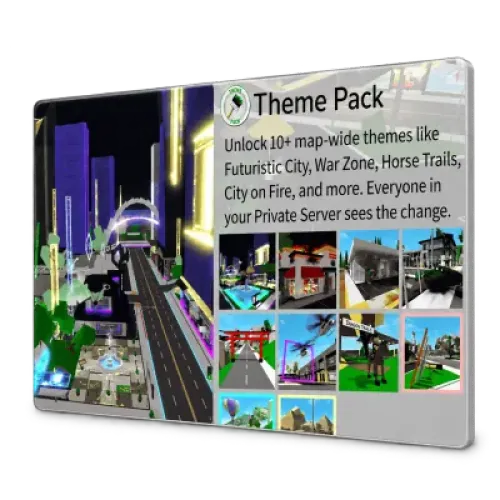
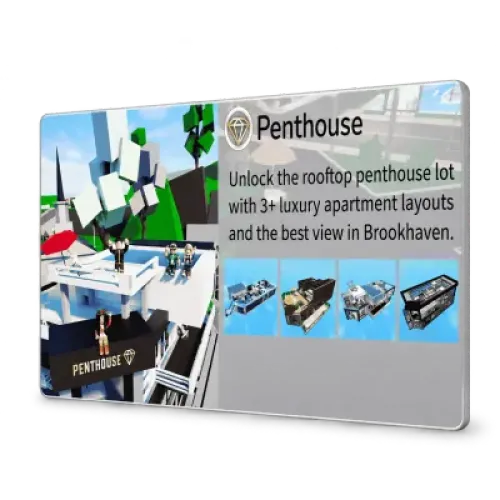
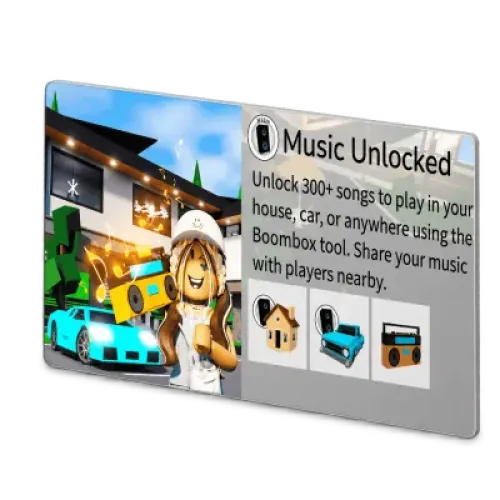
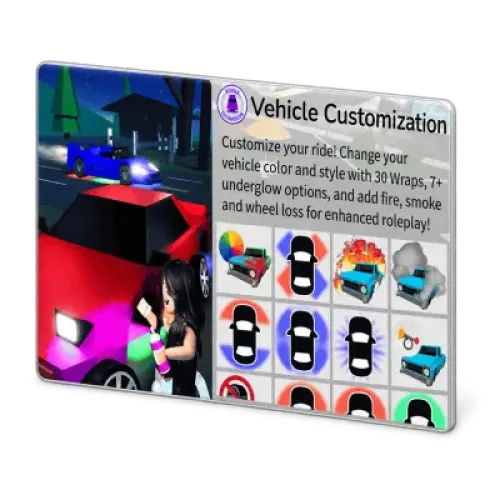
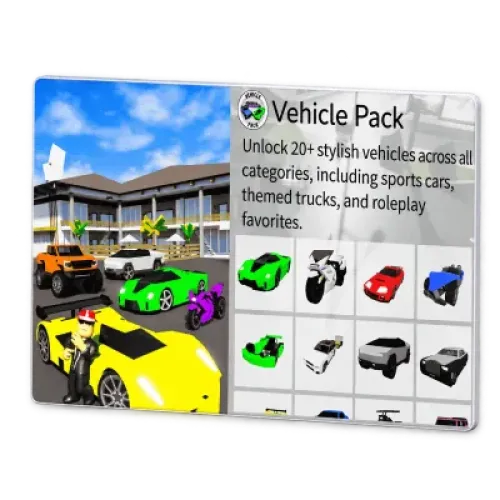
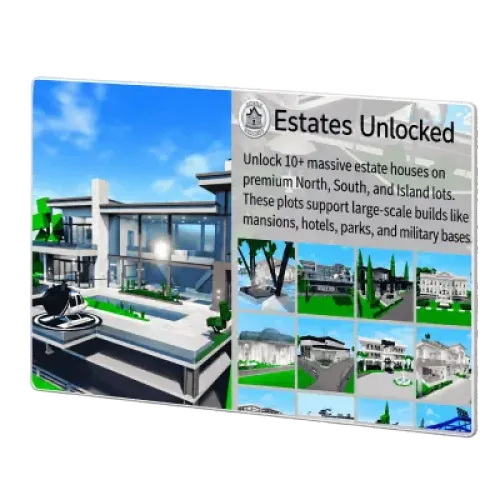
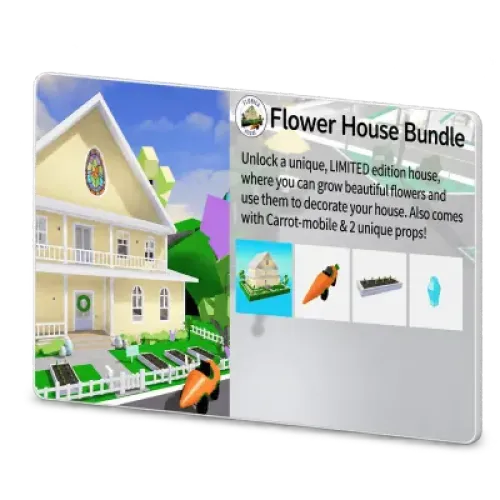
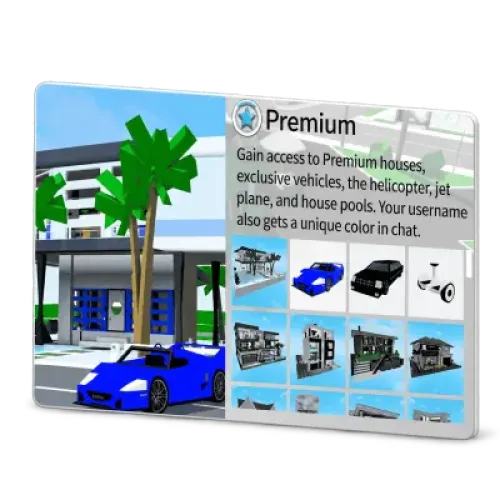
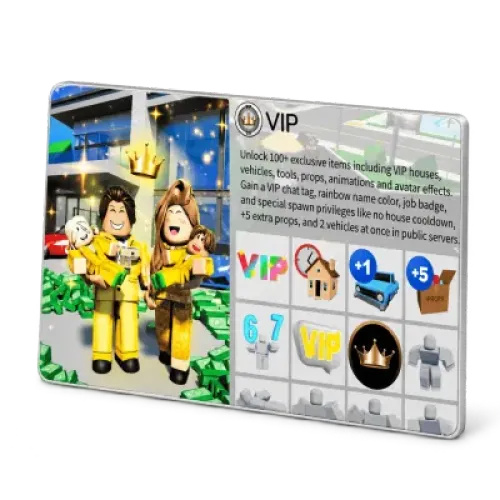
Brookhaven RP Items: Premium, VIP, and Individual Feature Passes
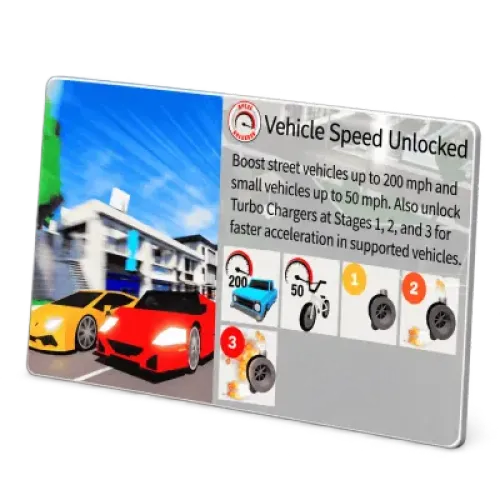
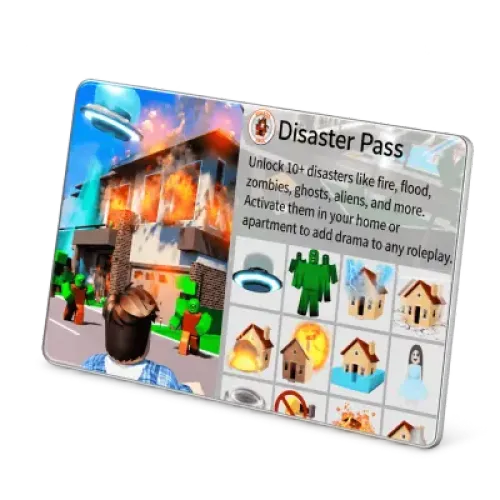
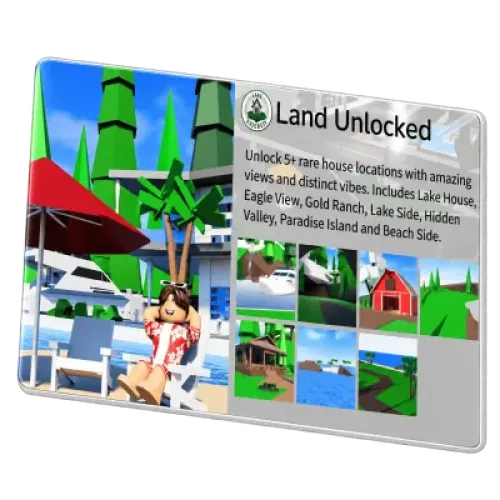
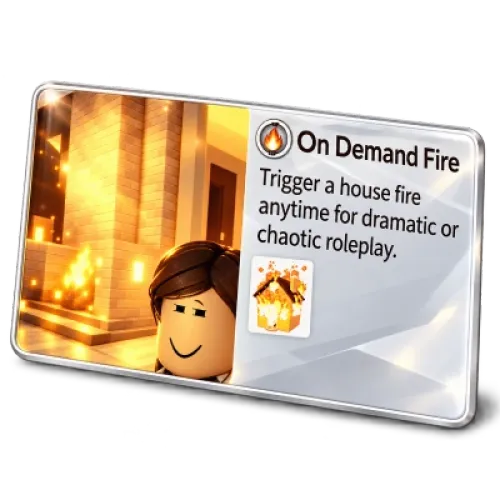
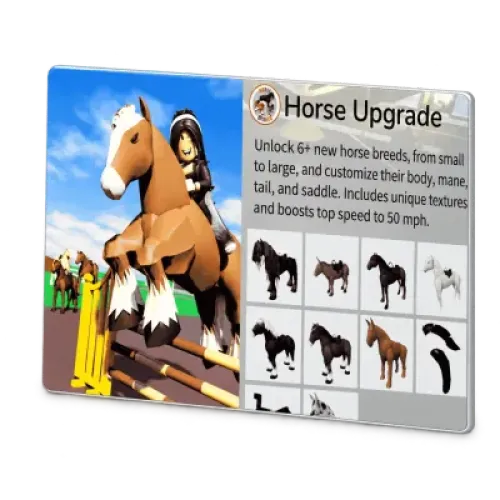
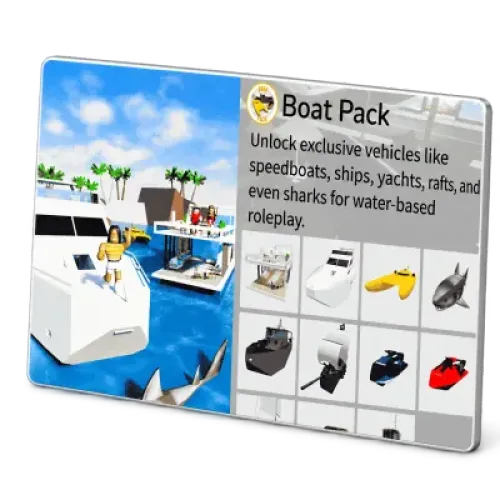
TRADEE offers Brookhaven RP Premium, VIP, and various passes and features related to houses, vehicles, and roleplay settings. After selecting your item, enter the Roblox account details that will receive it. Once payment is complete, accept the staff member's friend request and arrange the in-game meeting for delivery.
Brookhaven RP is a life simulation roleplay game on Roblox. Players can choose homes, drive around the city, and create family or career roleplay scenarios with friends. Many basic houses and vehicles are already available for free. Before purchasing, find the content you want to use in-game, check which pass unlocks it, and select the matching product.
Ordering Brookhaven RP Items: Enter Both Roblox Names Correctly
After choosing your product, check the quantity and click Buy Now. During checkout, enter your contact details and the two Roblox names associated with the account receiving the item:
- Roblox Username: Find the account name marked with @ below your display name on your Roblox profile.
- Roblox Display Name: Enter the display name currently used by the same account.
Do not enter a name you created for your Brookhaven roleplay character instead of your actual Roblox account details. Do not identify an account by its avatar alone. If you share a device or frequently switch accounts, open the Roblox profile of the receiving account first and check both names before submitting them.
Before payment, confirm the product name, quantity, and final order total. The quantity refers to the number of purchases and does not mean that a feature will be multiplied on the same account. If you are buying for different players, check which receiving account is assigned to each item and order.
Friend Requests and In-Game Delivery: How to Meet the Right Player
The staff member will add you as a Roblox friend using the details provided in your order. When you receive a friend request, check the staff member's username against the information in your original order before accepting it. Do not rely only on the display name or avatar.
Next, join Brookhaven RP using the receiving account specified in your order and meet the staff member in-game as instructed. You log in to your own account to receive the item, so you do not need to provide your Roblox password. If you cannot get online or both players cannot join the same game session, report the situation through your original order and confirm the next steps before proceeding.
Accepting a friend request does not complete the delivery. Wait until the purchased content has actually been delivered before considering the pass or feature unlocked.
Check That the Feature Is Unlocked, Not Just Whether a New Item Appears
After receiving the delivery notification, open the relevant menu in Brookhaven RP and check whether the purchased feature or content is available for selection and use. After purchasing housing or vehicle-related products, you may still need to select a house type or spawn the vehicle yourself. Music and visual effects may also need to be activated through their respective menus.
This page offers specific in-game content, so an increase in your Robux balance is not proof of delivery. Keep your order number, product name, and relevant in-game menu screenshots in case you need to verify which benefit was delivered.
Roblox restricts certain off-platform virtual item transactions and may take action against accounts. In-game delivery does not mean that a third-party purchase is officially endorsed by Roblox.
Brookhaven RP Items and Game Passes FAQ
Does the Premium on this page include Roblox Premium membership or monthly Robux?
No. Premium listed here is the in-game Brookhaven RP pass, which provides specific benefits within that experience. If you want a Roblox platform subscription or a membership that provides monthly Robux, this product does not cover that service.
Does buying VIP give me a private server that only my friends can join?
No. The VIP pass and private servers are separate products. If you want a server exclusively for playing with friends, check the Brookhaven private server options on Roblox and review their renewal conditions separately. Do not treat the VIP pass on this page as a private server rental.
Can I use an item received on mobile when I switch to PC?
Yes, as long as you use the same Roblox account. Brookhaven RP purchases are associated with your account, so you do not need to buy them again when changing devices. If a benefit is missing after switching devices, check your username first, especially if a shared computer or console may have signed in to another account automatically.
Should I purchase again if the feature is still locked after receiving a completion notification?
Do not pay again immediately. First, confirm that you are using the receiving account listed in your order. Fully close Brookhaven RP, reopen the game, and check the relevant feature again. If it is still unavailable, send TRADEE the locked screen, product name, and order number so customer support can check the original delivery status.
