




Arknights: Endfield Origeometry Top-Up: Prepare Resources for Headhunting and Operator Development
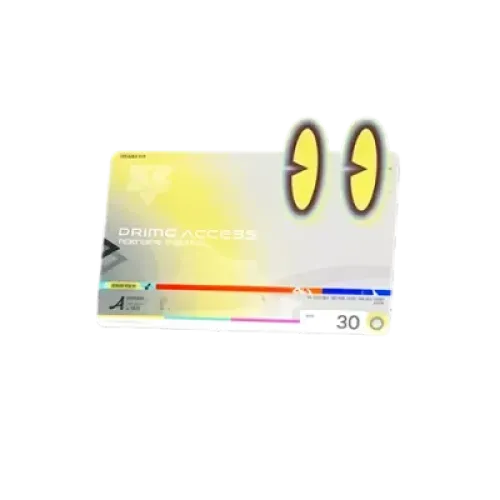
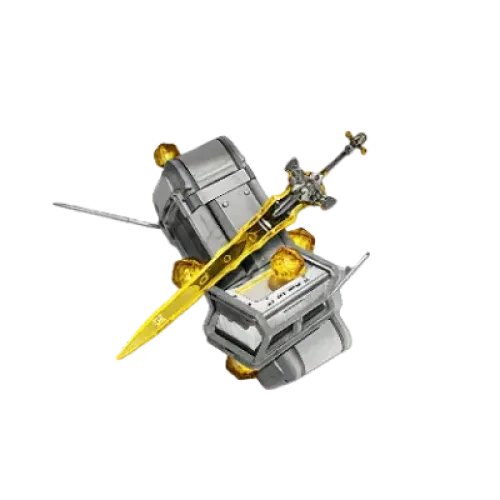
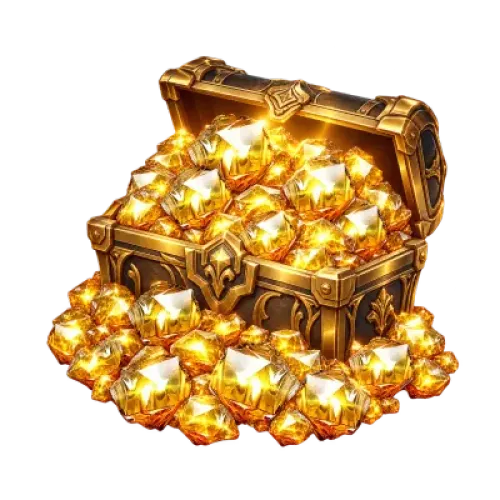
Saving up for your next Operator Headhunting, or looking to purchase a Monthly Pass, Protocol Customized, or a development bundle? Paid products in Arknights: Endfield serve different purposes. Before buying, compare not only the prices but also whether you need Origeometry or a bundle that includes specific rewards.
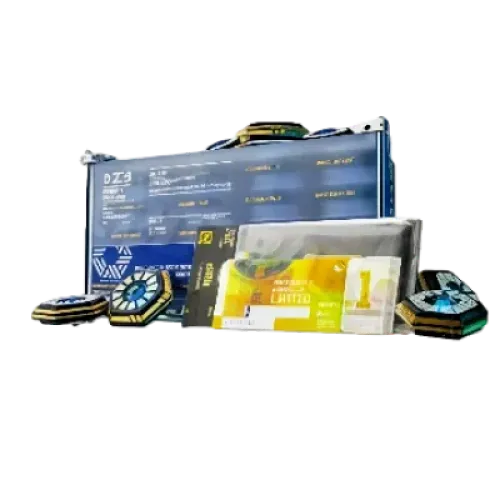
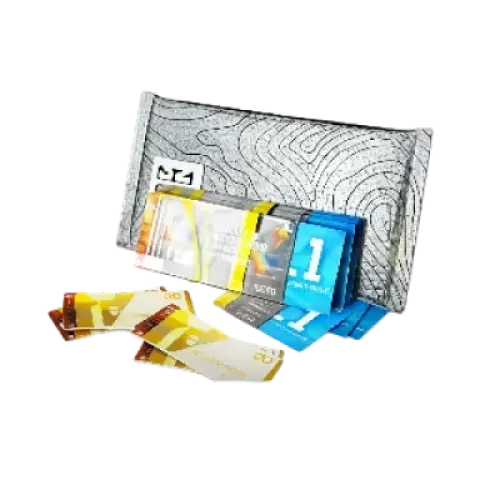
TRADEE offers multiple Origeometry denominations, along with the Monthly Pass, Protocol Customized, development material bundles, and other selected products. All products use the Login Top-Up method. Make sure your game account is linked to GRYPHLINE before placing an order, then submit the required login details so the purchase can be completed in-game.
A More Organized Purchase Experience, from Product Selection to Order Completion
When buying Arknights: Endfield products, the key is to choose a denomination or bundle that matches your current needs and check the final payment amount and delivery requirements. TRADEE brings different product types together in one place, making it easier to compare specifications, prices, and available offers before completing your order.
Choose What You Need Without Spending More on a Larger Denomination
If you only need a small amount of additional Headhunting resources, consider a lower Origeometry denomination. If you already have a purchase plan, you can compare larger denominations or selected bundles. TRADEE offers competitive prices, and some products may qualify for current discounts. Check the checkout page for the actual offer and final price.
A Clear Login Top-Up Process with Order Details to Match
This product supports Login Top-Up only. It is not a direct top-up service that can be completed with a UID alone. You must provide the game account details for an account linked to GRYPHLINE, along with any required verification information, as requested in your order.
TRADEE provides a website checkout environment and supports payment methods such as PayPal and Visa. Available options may vary, so refer to the checkout page for the latest details. Before paying, review the product specifications, server, and total amount to make sure everything is correct.
Manual Login Top-Up usually takes around 15 minutes. Actual processing time may vary depending on account verification, payment checks, order volume, and game service conditions. TRADEE offers 24/7 customer support to help with questions about login verification, payment, and order status.
What Account Details Do You Need Before Top-Up?
Arknights: Endfield currently uses Login Top-Up. Before placing an order, make sure your game account is linked to GRYPHLINE, and check the server and login details associated with your account.
- Supported servers: Asia and Americas / Europe.
- Top-up method: Login Top-Up, which completes the in-game purchase through account login.
- GRYPHLINE account: Your game account must be linked to GRYPHLINE, and you must be able to log in successfully.
- Login details: Provide the required account credentials according to the order instructions.
- Account verification: If requested during login, provide a verification code or complete the required verification steps.
- Server details: Make sure the server selected in your order matches the server of your game account.
Important: Login credentials and verification details are sensitive information. Submit them only through the fields specified in your TRADEE order. Successful payment does not mean the product has already been credited. Wait for the Login Top-Up process to finish, then enter the game to check the result.
How to Link Your Game Account to GRYPHLINE
Before submitting a Login Top-Up order, make sure your game account is linked to GRYPHLINE. You can do this in the in-game account settings by linking your email address to a GRYPHLINE account. Follow the steps below to find the relevant settings and complete the process.
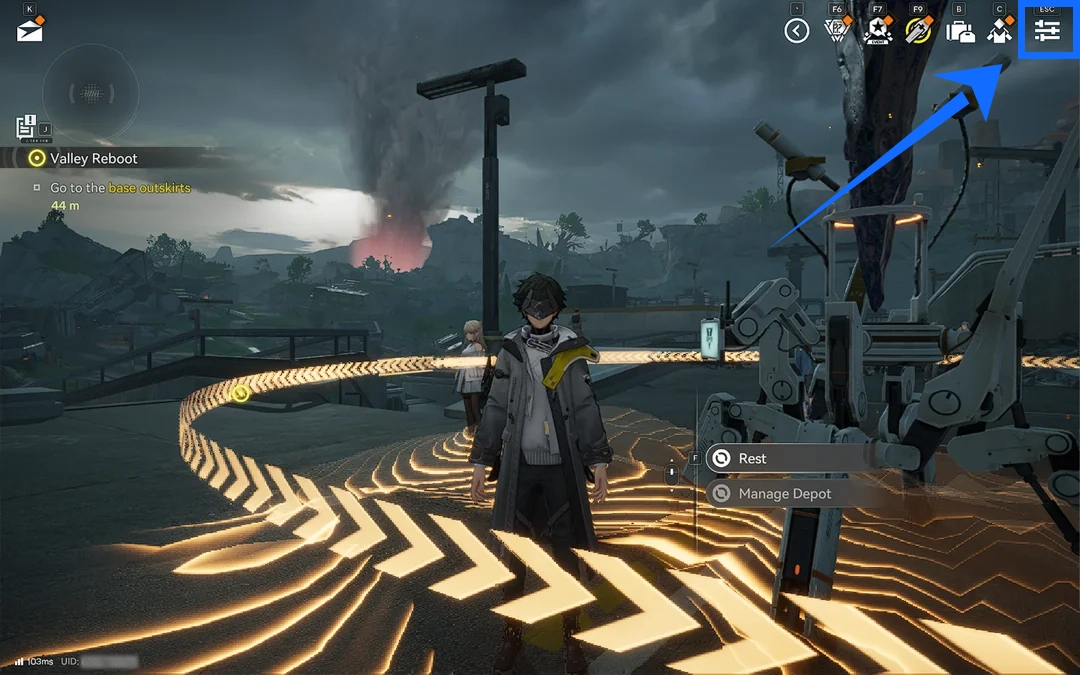
- Open the menu on the main screen
Launch Arknights: Endfield, then tap the menu button in the upper-right corner of the main screen to open the game menu.
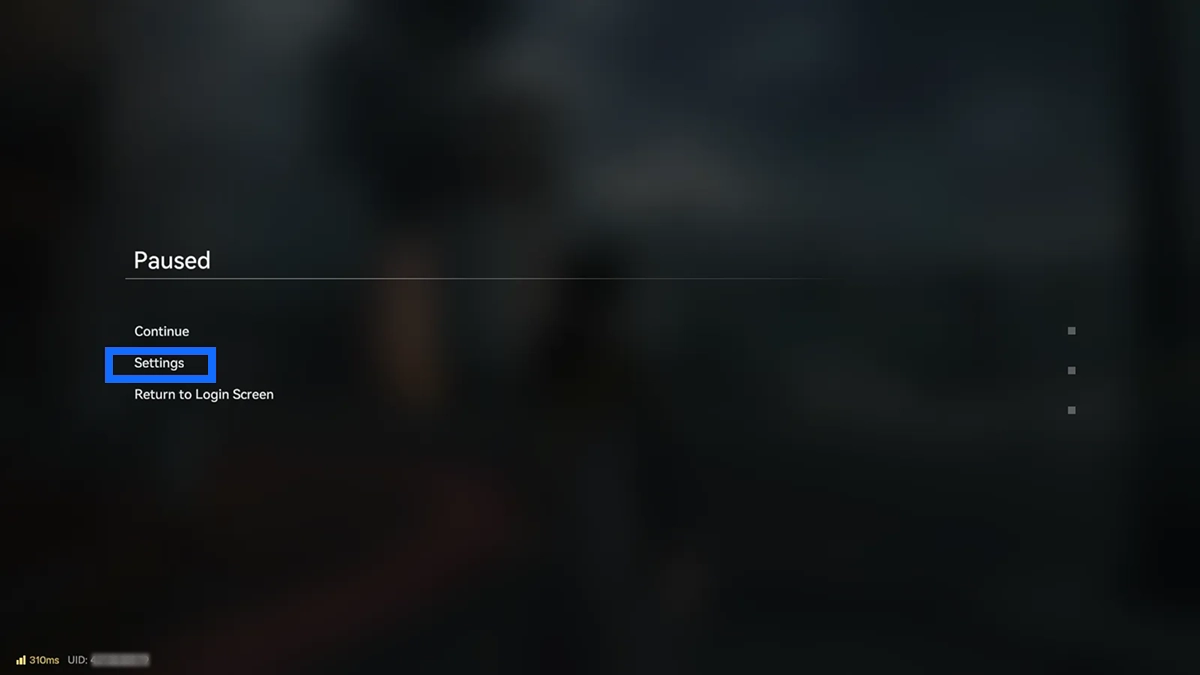
- Go to Settings
Find and select Settings in the menu, then open the account-related settings screen.
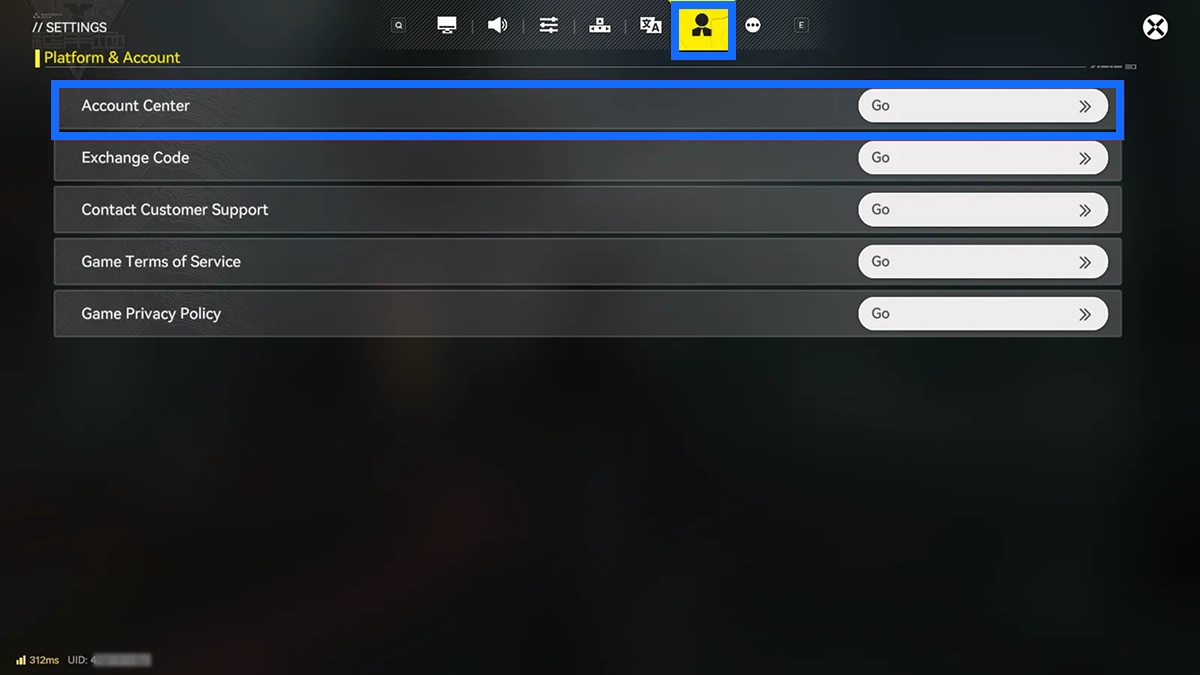
- Open the User Center
Tap the profile icon in Settings to enter the User Center and check the current account-linking status.
- Link your email address to GRYPHLINE
Follow the instructions in the User Center to link your email address to a GRYPHLINE account, then complete the verification steps shown on screen. Once the link is confirmed, you can use the corresponding GRYPHLINE account to log in.
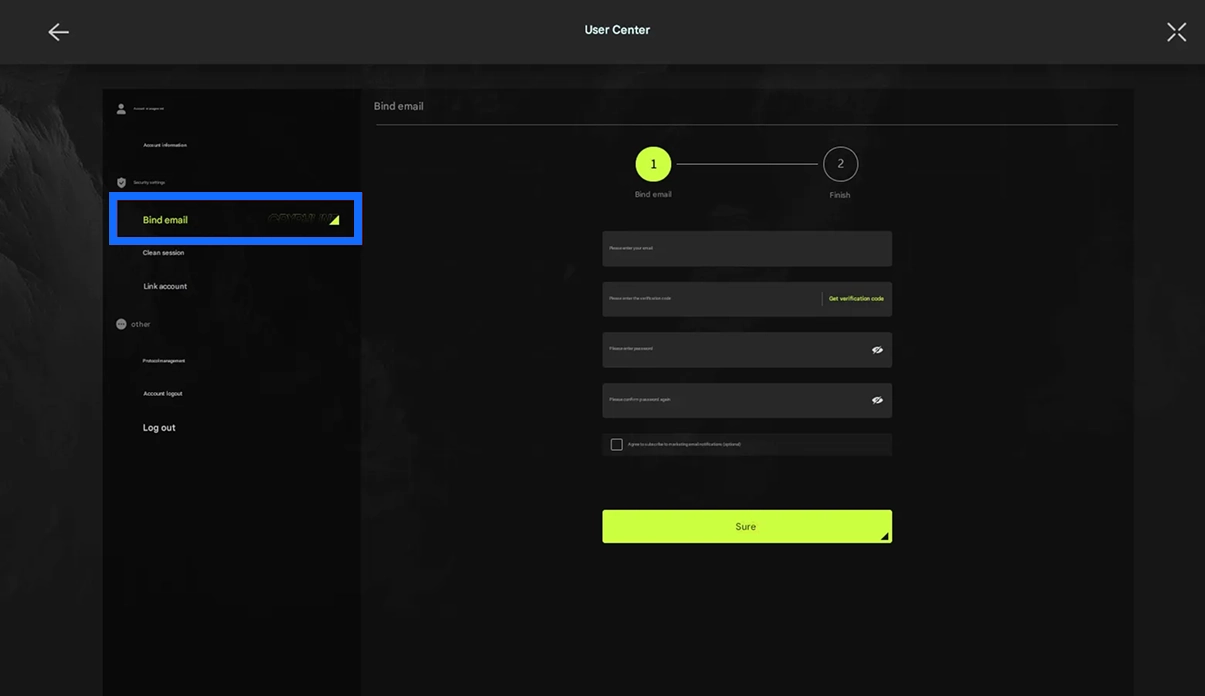
After linking your account, make sure you can log in to GRYPHLINE successfully before selecting a TRADEE product and submitting an order. If your account is already linked, you do not need to repeat these steps.
Login Top-Up: How to Top Up Arknights: Endfield
When placing an order, carefully check your server and account details to make sure the delivery information matches the account you use to play.
- Choose your Origeometry or selected bundle
Visit the Arknights: Endfield product page on TRADEE and browse the available Origeometry denominations, Monthly Pass, Protocol Customized, and other bundles. Select the product that fits your needs.
- Check the server and product price
Select Asia or Americas / Europe according to your game account, then review the product specifications, quantity, and final amount due.
- Complete payment and submit your account details
Click "Top Up Now" to proceed to checkout. After payment, submit your GRYPHLINE login details, any required verification information, and other necessary account details in the order fields.
- Wait for manual Login Top-Up processing
After submitting the required details, follow the instructions on the order page and wait for processing to finish. While the manual top-up is in progress, avoid logging in to the same game account on another device or session, as this may interrupt the current login process or cause delays.
- Check your order status
You can check the current status on the order page or under Purchase History. If the order is still being processed, please wait for the process to finish.
- Log in to the game and confirm delivery
Once the order is marked as completed, log back into Arknights: Endfield and check your Origeometry balance, Monthly Pass status, or selected bundle contents to confirm that the product has been delivered correctly.
Arknights: Endfield Top-Up FAQ
Does purchasing 800 Origeometry always include the first-purchase double bonus?
No. The 800 Origeometry amount is the combined total of the relevant denominations. It does not include any additional first-purchase bonus that your account may be eligible for. First-purchase eligibility can vary by denomination, so check the current status shown in-game rather than assuming every denomination includes a double bonus.
Do I need to link my account to GRYPHLINE before purchasing?
Yes. This product uses Login Top-Up, so you should link your game account to GRYPHLINE before placing an order and make sure your email and login function are working properly. This can help reduce issues during the subsequent login verification process.
What should I do if my Origeometry does not appear in-game after payment?
First, check whether your order is still going through login verification or top-up processing. If the order is marked as completed but your Origeometry balance or selected product has not been updated in-game, contact TRADEE customer support and provide your order details so the delivery status can be checked.
