






Buy Arena Breakout: Infinite PC Top Up: Bonds or Specific Products
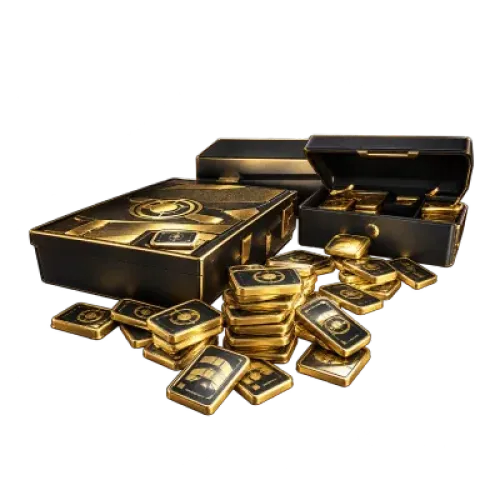
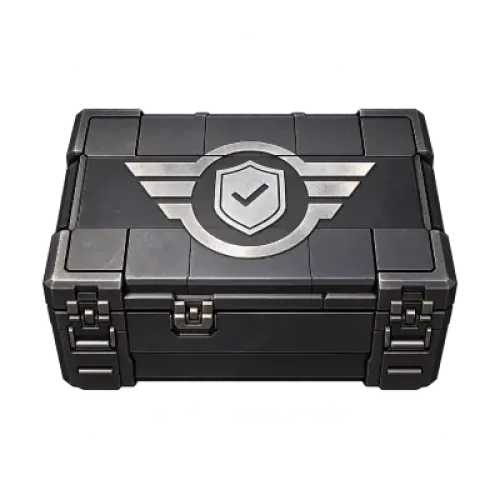
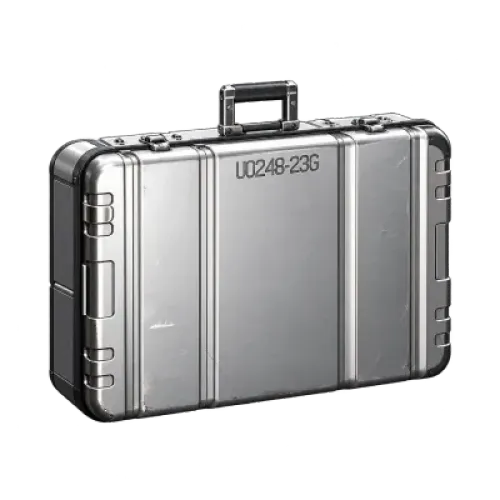
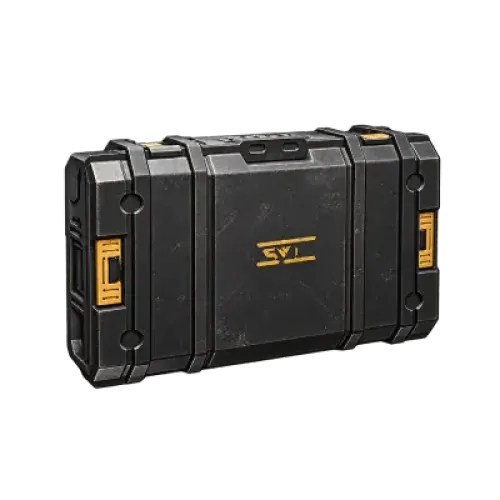
TRADEE's Arena Breakout: Infinite top-up page offers Bonds denominations, as well as Beginner Select, Advanced Battle Pass, Premium Battle Pass, and case products marked 30d. Choose Bonds if you want to decide what to purchase in the in-game store later. If you want a specific item listed on a product card, check its eligibility requirements before ordering. This page does not offer Koen.
Available products may change. Check the current product cards and details before placing an order. Bonds, Battle Passes, and time-limited privileges are different types of purchases and should not be treated as interchangeable.
The “+” in a Bonds Product Name Is Different from the Quantity “+”
Some Bonds product names show a “base amount + bonus amount.” This refers to the contents of one product unit. The “+” control beside the card increases the number of units you purchase. In your cart, check the selected denomination, purchase quantity, and order total to avoid confusing these figures.
If you already know what you want to buy in the Arena Breakout: Infinite store, check the Bonds required in-game before choosing a denomination. Do not include event rewards or extra Bonds in your expected balance unless they are listed on the product card.
Check Current Season Benefits Before Buying a Battle Pass or 30d Case
Advanced Battle Pass and Premium Battle Pass are different products. Battle Pass availability depends on the season and the character's current activation status. Before purchasing, make sure the selected tier applies to the PC character you intend to top up. The product name alone does not replace the in-game purchase and activation requirements for the current season.
Bulletproof Case and Composite Case marked 30d are not permanent cases. If you want to keep items in your case after a failed extraction, check the case and privilege details in the current game interface first. The official system has been adjusted before, so do not assume that older product names describe all current benefits. Confirm when the duration starts and whether it can stack with existing privileges before paying.
Beginner Select is also a separate product. Its selectable contents cannot be determined from the name alone. If the current product details do not list them, contact TRADEE for confirmation before ordering.
Place a Top-Up Order Using Your PC Character UID
After selecting a product, check its name and quantity in your cart. At checkout, enter the PC character UID for the Arena Breakout: Infinite character that should receive the product, along with any required contact details. Copy the UID from the intended character. An ID from the mobile version of Arena Breakout or a character nickname cannot replace it. Enter only the character UID in the UID field; do not provide your account password.
Check the final amount due when selecting a payment method, then complete your payment. Keep your order number and watch for delivery notifications. No fixed delivery time is assumed on this page.
Check the Product According to Its Delivery Type
For Bonds orders, check the Bonds balance on the intended character. For Battle Pass and case orders, check the corresponding activation or privilege status. Receiving a specific product does not necessarily increase your Bonds balance. If you receive a completion notice but cannot find the product, make sure you are logged into the PC character associated with the UID on your order, then save your order details and in-game screenshots before contacting TRADEE.
Arena Breakout: Infinite PC Top-Up FAQ
I have already activated Advanced Battle Pass. Should I buy Premium Battle Pass directly?
First, check whether the game offers an upgrade option for your current Battle Pass and whether the selected product applies to your character. Buying Premium directly does not necessarily mean that the amount paid for Advanced will be deducted automatically. If the product details do not explain this, contact TRADEE with your current Battle Pass status before ordering.
Can I top up two PC characters in the same order?
The checkout form currently reviewed provides only one UID field per order. If you want to send products to different characters, place separate orders and check each UID carefully.
Can I change my UID if I entered it incorrectly after payment?
Contact TRADEE support immediately with your order number and the correct UID so the team can check the order status. If the product has already been delivered to the original UID, a transfer or recovery cannot be guaranteed.
