



Adopt Me Items: Find Specific Pets and More In-Game Items
Collecting in Adopt Me! is not limited to pets. Players may look for different in-game items depending on their collection goals. If you already have a specific pet in mind, checking the item name and version is the easiest way to find the right option. If you are looking for other items, browse the categories currently available in the product catalog.
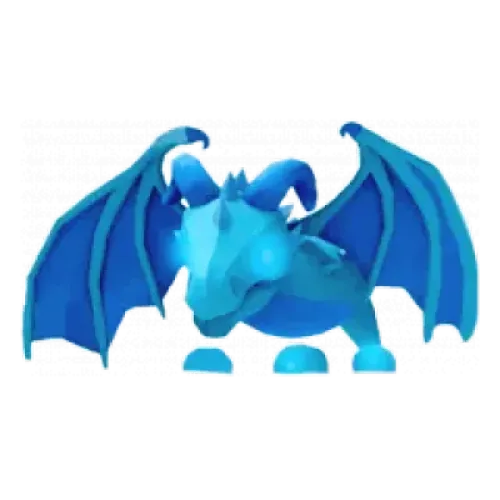
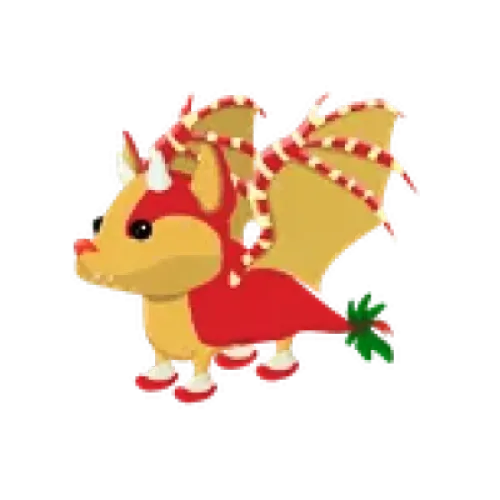
TRADEE offers Adopt Me Items. The current Main Server catalog lists Frost Dragon-FR and Strawberry Shortcake Bat Dragon-FR, both of which are pets. Items is the overall product category and is not limited to pets. If other in-game items become available, you can browse and select them based on the names and specifications shown in their listings.
Currently Available Adopt Me Pets
The current catalog mainly features specific pets. If one of these matches your collection goals, check the full item name and specifications before ordering. This helps you avoid confusing different pets or versions.
| Item Name | In-Game Rarity | Item Specifications |
|---|---|---|
| Frost Dragon-FR | Legendary | Fly and Ride version |
| Strawberry Shortcake Bat Dragon-FR | Legendary | Fly and Ride version |
Frost Dragon and Strawberry Shortcake Bat Dragon are two different pets with distinct appearances and collection appeal. Decide which one you want first, then check the item name and price. Even though both are Legendary, their market values and trading demand may differ.
Check the platform rules before purchasing: TRADEE is a third-party trading service and is not an official Roblox or Adopt Me! store. Review the applicable official terms and community standards before proceeding, and assess the associated risks yourself.
From Item Selection to Delivery: How to Handle Your Order
When choosing a pet, the key is to make sure the item you receive matches your order. After selecting a product, provide the required information on the checkout page, complete payment, and follow the arrangements for the subsequent in-game handover.
- Check the item and order total
Select Main Server in the Adopt Me Items catalog, find your target pet, and confirm its full name, FR specification, quantity, and current price. Review the final order total before paying to avoid selecting the wrong item.
- Provide the required details and complete payment
Submit the information requested at checkout. If you need to enter your Roblox username, check the spelling carefully to make sure the correct account receives the item. Account identification details are not login credentials. Do not submit your password or login verification code as ordinary delivery information.
- Follow the delivery arrangements and check the pet
After payment, follow the order instructions and coordinate the in-game handover. Once the item is received, open Adopt Me! and check that the pet type, FR specification, and quantity match your order. If the item is incorrect or delivery encounters an issue, keep your order number and relevant details so TRADEE customer support can help review the case.
Adopt Me Item Purchase FAQ
Is buying a pet the same as buying Robux?
No. This page lists in-game Adopt Me! items, not a Robux top-up service. Robux is the virtual currency used on the Roblox platform, while pets are a separate type of in-game item.
Does a pet's age affect its item specifications?
A pet's age and its FR abilities are two different things. If a listing does not explicitly offer Newborn, Full Grown, or another age option, you should not assume that a specific growth stage can be selected. Always follow the specifications shown on the product page.
Can I choose a similar pet if the one I want is not listed?
It is not recommended to substitute a similar pet for the one you want. Different pets may have different appearances, abilities, and collection value. If your target pet is not listed, check the catalog for updates. Only items currently shown in the catalog are available for selection.
